Category Archives: My Digital Studio

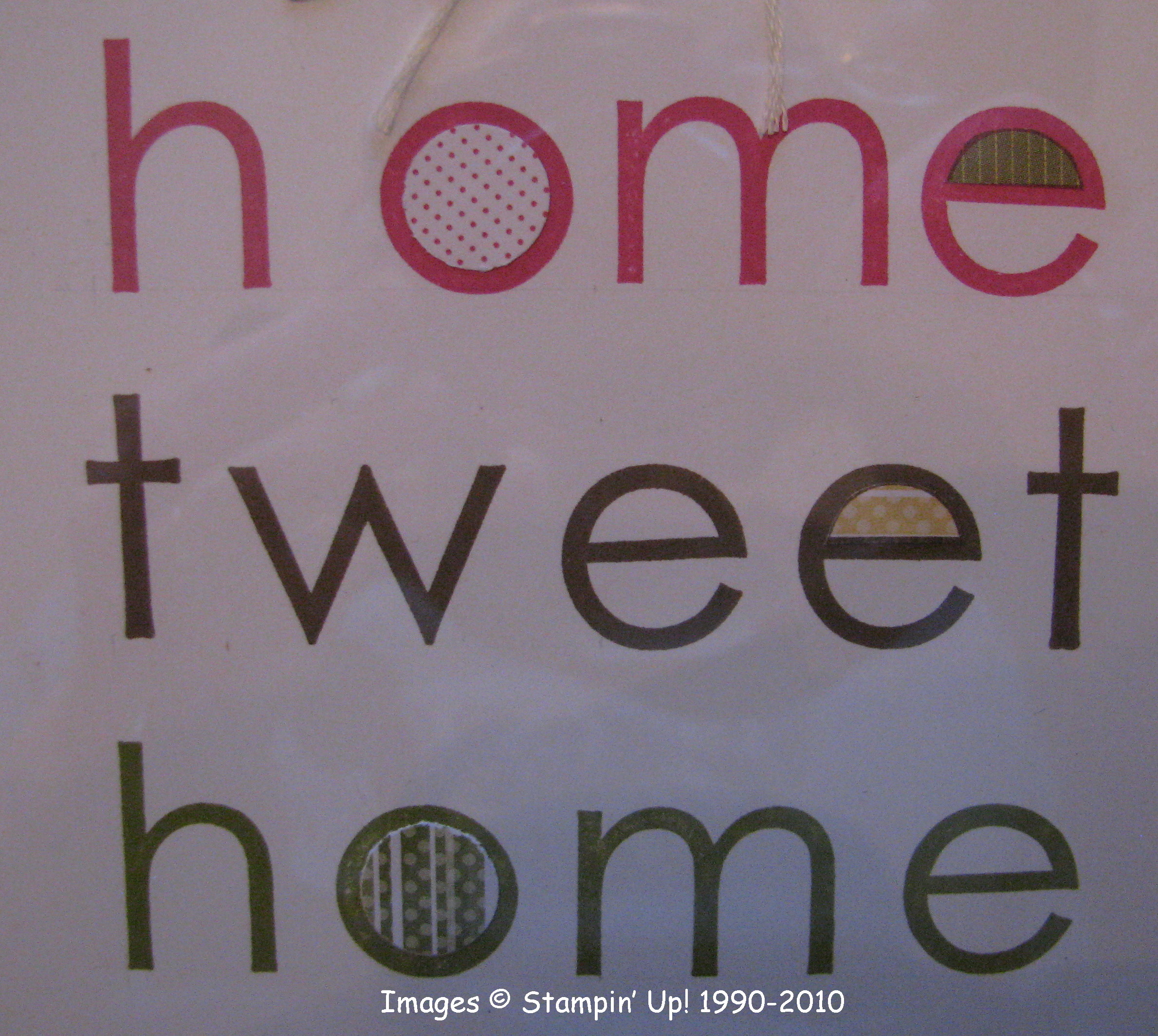
Home Tweet Home Decor

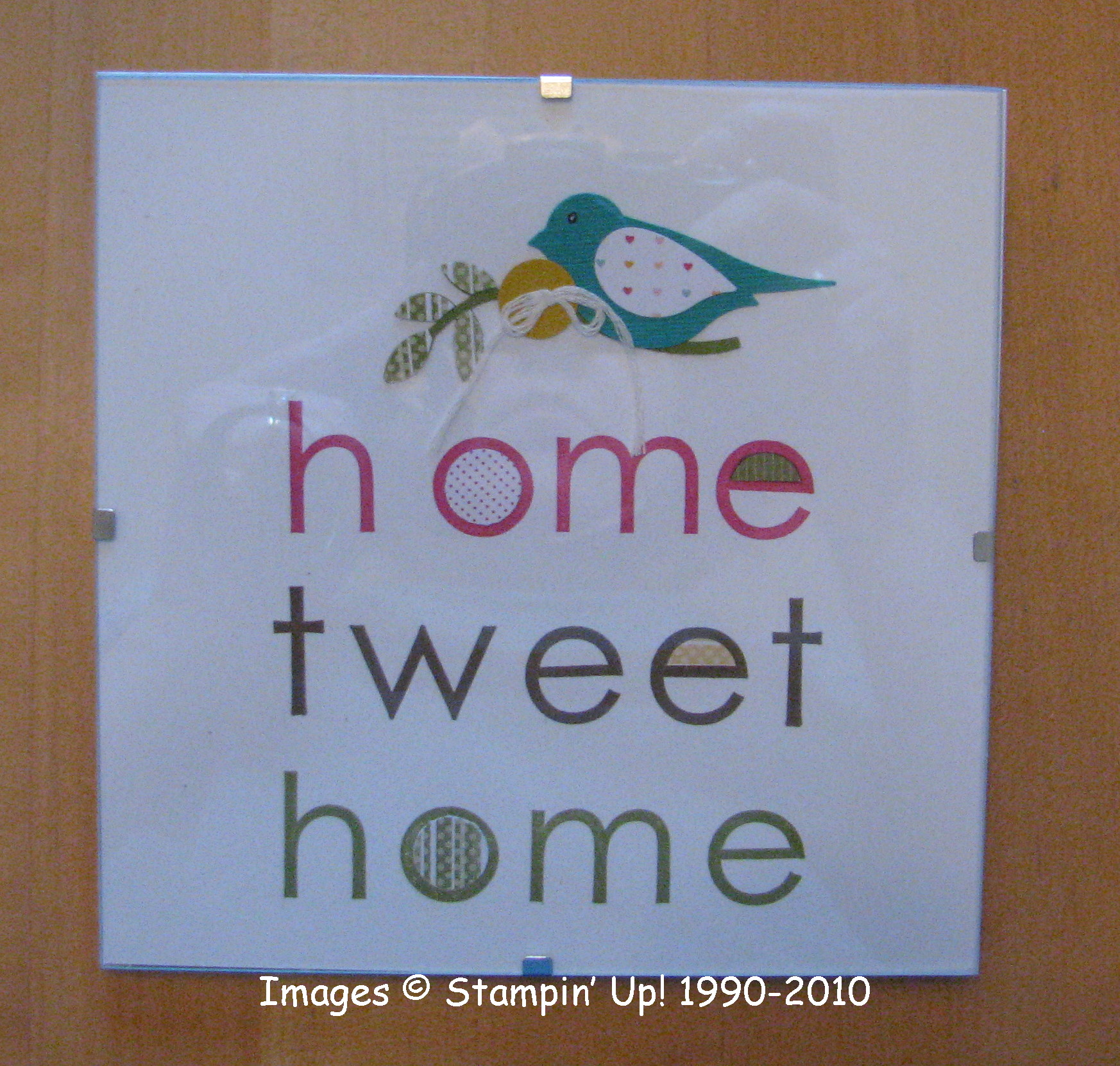
While looking through the new Occasions Mini catalog for the millionth time, this little framed project on page 11 jumped out at me.  I needed a birthday gift and thought I probably had a frame in my "stash".  Well, I didn't have a wooden frame but I had this clear glass 6"x6" frame held together with clips, just the right size!  I should have taken my photo BEFORE putting under the glass frame, but I didn't so you may see some glare.
HomeTweetHome 

HomeTweetHome2 

HomeTweetHome3 


This project was relatively easy to make except for stamping the words!  I did use my great Stamp-Ma-Jig and some lightly drawn pencil lines to keep the letters straight and lined up.  Even then I didn't do a perfect job (so I suggest a practice run!).  This would probably be a perfect thing to make the words and print on My Digital Studio.  Then you could add on the other embellishments with your paper and punches to finish the project.  Somehow the word "tweet", even though it has one more letter, takes up the same space as "home" so you have to think of that as you are lining things up.  Not too hard, but does take a little thinking to make a neat project.

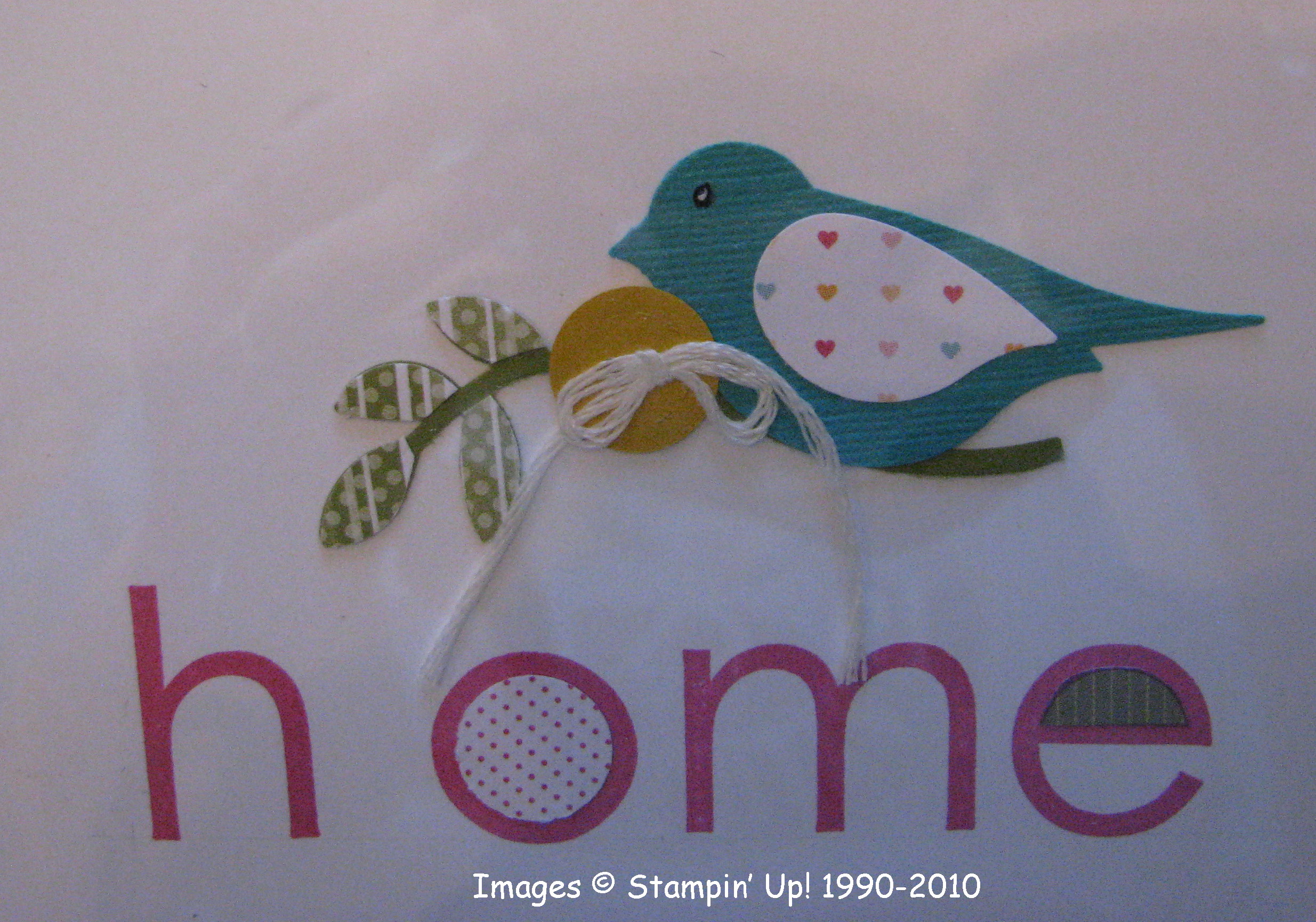
After stamping the words, I used my brand new Extra Large Two-Step Bird Punch (#117191) on page 11 of the Occasions Mini.  If you just punch once, you will have all your pieces the same color.  So you will have to punch several different times to get a certain color of card stock for the branch, the leaves, the bird, maybe the wing.  But the new punch is so great you won't mind!  I used card stock for the branch, but then a piece of Designer Series paper for the leaves and textured Bermuda Bay for the bird…and another piece of DSP for the wing.  I think most, if not all, the DSP used in this project came from the FREE Sale-A-Bration Designer Series Paper Pad "Welcome Neighbor". (a really cute selection of paper!)

Due to my type of frame, I couldn't use a regular button next to the bird, so I used my Big Shot (#113439) and the Buttons #5 Sizzlits Die (#113440) to make a paper button and threaded in some white floss.

For the little pieces of DSP decorating some of the letters, I just stamped the letter "e" on the DSP and then cut out the area I wanted to use.  For the centers of the "o"'s I found the 1/2" circle punch to be the correct size.

The alphabet I stamped with is "Contempo" in Melon Mambo, Soft Suede and Old Olive.  You can find the list of supplies used in this project from Stampin' Up! right HERE.  To order any supplies, just click the "Shop Now" Button HERE.


Houston Snow on My Digital Studio

SnowPage-001 

Copyright Stampin' Up! 2009

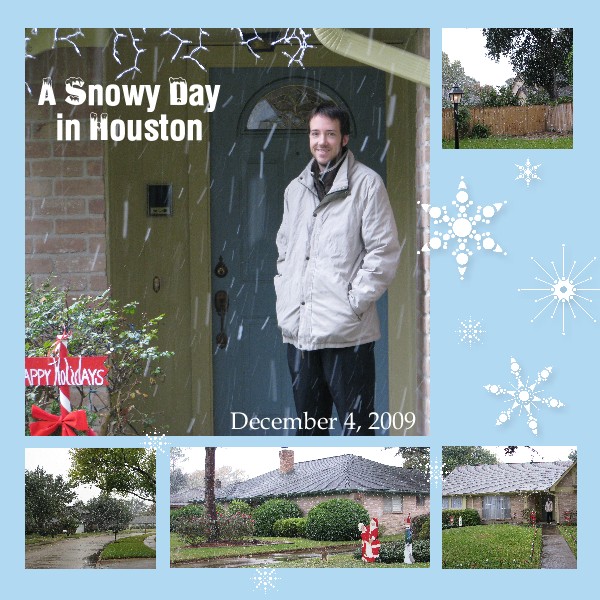
My Digital Studio makes it easy to make up a scrapbook page to commemorate a special event, such as when we get snow in Houston, TX!  

It snowed like crazy all day yesterday, and at our house we probably had an inch of snow. I think our big tree in the front yard kept the snow from falling on most of the yard.  So in the end, the big snow doesn't really look like much, especially if you are from somewhere up north!  But for Houston, it was quite the excitement!  The temperature even dropped to 26 degrees last night so this morning it was real wintery weather!  The car had to be started early to warm up, the ice scraped off the windows, and just to make it real, three of the four car doors were frozen shut!  Although we were lucky the roads had a little bit of time to dry before the freeze hit and that the road crews had had time to prepare, there still were a few icy spots, enough to cause a few accidents this morning.  

However, we were not kept from getting our son downtown to his appointed exam at 8:00 AM…luckily!  We could have worried that he would get sick with the flu on this date or that we would have so much rain the streets would be flooding, but we NEVER would have guessed that we would worry about SNOWY ICY ROADS! 

Be sure to click on the link for MY DIGITAL STUDIO to learn more and see how you could be making scrapbook pages and other papercrafting projects after a snowy day!

NEW My Digital Studio Downloads Are Here Today!

  MyDigitalStudio 

Copyright Stampin' Up! 2009

As promised, Stampin' Up! has released some new downloads you can add to My Digital Studio or even buy separately without the software.  Several are Christmas ones that you will want to have for your holiday projects!  And who doesn't need another alphabet?!

Click HERE to go to my Stampin' Up! website.

Click the "Shop Now" button in the upper-right corner.

Click on "Digital Crafting" in the left column.

Click on "My Digital Downloads" either in the left column or at the bottom of the page.

Click on "Newest Downloads" and there you are!!

Shop around and then let me help you with any questions!

Item # Item Name Price
118117 Berry Christmas stamp brush set $5.95
118118    Friend by Definition stamp brush set     $1.95
118119    Just Perfect Alphabet stamp brush set     $9.95
120880    Christmas Cocoa II digital kit    $9.95
120881    Write Stuff II digital kit    $9.95
120882    Icicle digital photo card kit    $3.95
120883    Merry Moments digital photo card kit $3.95


Don't forget about the Stampin' Up! Holiday Gift Guide!  So many ideas for the people in your life:  Kids, Teens, Card Makers, Scrapbookers, Neighbors!  There are stocking stuffers and products to use for presenting your gifts or personalizing them.  Be sure to check out the Holiday Gift-Giving Guide today!  You can contact me with your order or order online at your convenience RIGHT HERE.  Just click on the "Shop Now" button in the upper-right corner of that page.

And for every $50 you spend from the Holiday Gift Guide, you can choose a FREE Decor Element (up to a $16.95 value) from THIS BROCHURE.  Then you have an extra gift to give away…..or keep it for yourself!  I won't tell!

Learning New Things with My Digital Studio

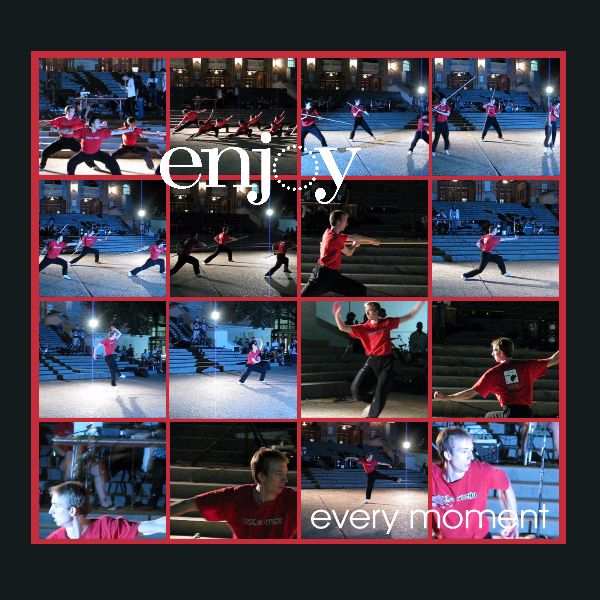
When we got to watch our son's wushu demonstration at college a couple weekends ago, I took a few photos but mostly I took video.  With My Digital Studio I can (and I did!) incorporate that video into an "interactive photo album" so that he will be able to see the pages I designed plus watch short videos of the demonstration.  I was surprised how easily I was able to do that with my limited computer skills!  But I also wanted more photos for the pages.  Luckily, I was able to figure out on my computer how to capture individual frames from the videos and save them individually as photos.  Not sure how clearly they will print out, but for now, it suited the purpose…..and I learned a new computer skill!  Here is one of the scrapbook pages I made with My Digital Studio using all these extra photos I was able to extract.  If you click on the link above, you can watch a short video from Stampin' Up! about My Digital Studio.

Wushu-004

A Different Way to Trick-or-Treat

Happy Halloween!!

The other day I remembered a slightly different way we used to trick-or-treat in our neighborhood that we thought was fun.  It sounds confusing, but trust me, it works!  One year a friend invited my kids and me to come do this "special trick-or-treating" over on her side of the neighborhood.  After that, another friend and I started organizing it over on our side of the neighborhood.  The point was as a parent you knew whose houses you were going to so it was safe and if you wanted to you could give out maybe a little better candy treat to the kids since you knew how many to expect.  We would do this on the Sunday night before Halloween, so it really was kind of an extra trick-or-treating event!  But some people were going to parties on Halloween night so their kids would normally not get to go door-to-door for candy.

This has to be organized ahead of time.  You find out what neighbors want to participate and it has to be in a reasonable walking distance.  If somebody from way out of the walking range wants to participate, they just have to start from someone's house who is "on the route".  The organizer plans the route to take to hit everyone's houses and approximately what time the group would arrive.

This is how it works:  My kids and I leave our house at the appointed time, say 6:30 pm.  We go next door.  That neighbor gives my kids candy, locks her house, and she and her child come with us.  We all go across the street to that neighbor….she gives candy to my kids and my next door neighbor's child, they join us, and we all go to the next house down the street.  That neighbor gives out candy to all of us, and comes along with all of us as we go to the next house.  (I know it sounds like somebody isn't going to get candy, but keep following me!)  Let's say there are 10 families on the list.  We get to the tenth house.  That mom gives out candy to all the kids who are now in the group, locks her house and joins us.  NOW since we have finished picking everybody up, we all go back to MY house which was the starting point.  Now I haven't given out candy to anybody since we were the first family.  So when we get to my house, I go inside, get the candy and give it out to all the kids in the group (which at that point is everybody).  Now my kids and I stay home…we're done.  The group continues on to my next door neighbor (second on the list).  She has only given candy to my kids when we started, but now my kids have stayed home and when the groups goes to her house, she gives out candy to everybody and she stays home.  Then the whole group goes across the street and that neighbor gives out candy to everybody and she stays home with her kids.  It continues on that way until the last family gets home (who had already given out candy to everybody when we first arrived). So all the kids do get the same amount of candy, from everybody, and it is a fun night out!  Just a little difficult perhaps to keep the kids from running ahead of the leader!  One year we had a police helicopter hovering above probably trying to figure out what this big group of kids and adults were doing….or maybe they were just enjoying the Halloween sight!

Just a slightly different way to trick-or-treat in an organized fashion if that works for you!

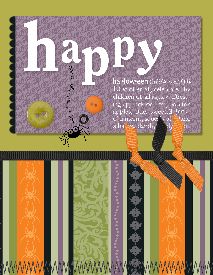
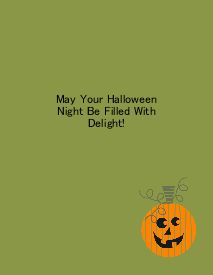
And now here is a Halloween card I made on the new My Digital Studio!!  I just used one of the templates and then changed it up a little! What fun!

Halloweencard-001 Halloweencard-003 

Images © Stampin’ Up! 1990-2009

Happy Birthday to My Wushu Kid!

Wushu-001 

Last weekend we got to go to Austin to visit our boys, although one was sick so we only saw him as we dropped off an order of chicken soup from the restaurant where we had dinner!  We were lucky to be there in time to see our son, Steven, do his Wushu demo for a campus club.  This is just the "Demo Team", a group chosen for their skills and dedication to the practice and the sport.  The kids were all amazing in their skills, and the audience, who had been milling around, talking, and eating, all stopped to gather and give the Wushu team their full attention.  Wushu is Chinese martial arts like you might have seen in the move "Crouching Tiger, Hidden Dragon".

Since I was learning how to make an "interactive album" with the new Stampin' Up! My Digital Studio, I decided to try making an album using my Wushu photos and video.  I don't think the video will play on this post, which is a good thing since I probably need to edit it first, but this is a page I made with My Digital Studio. After designing the page, I embedded? one of my video segments into the photo.  I can burn it to a DVD or I can email it to my son and the video(s) will automatically play on each  of the pages as they are viewed!  It was an amazingly easy project to work on, for being so "technical", what with including video!  Now I need to go finish up the album and email it to him for a birthday gift today!

There are SO many things you can do with My Digital Studio!  You really need to check it out!!

Pumpkin Poop Treat

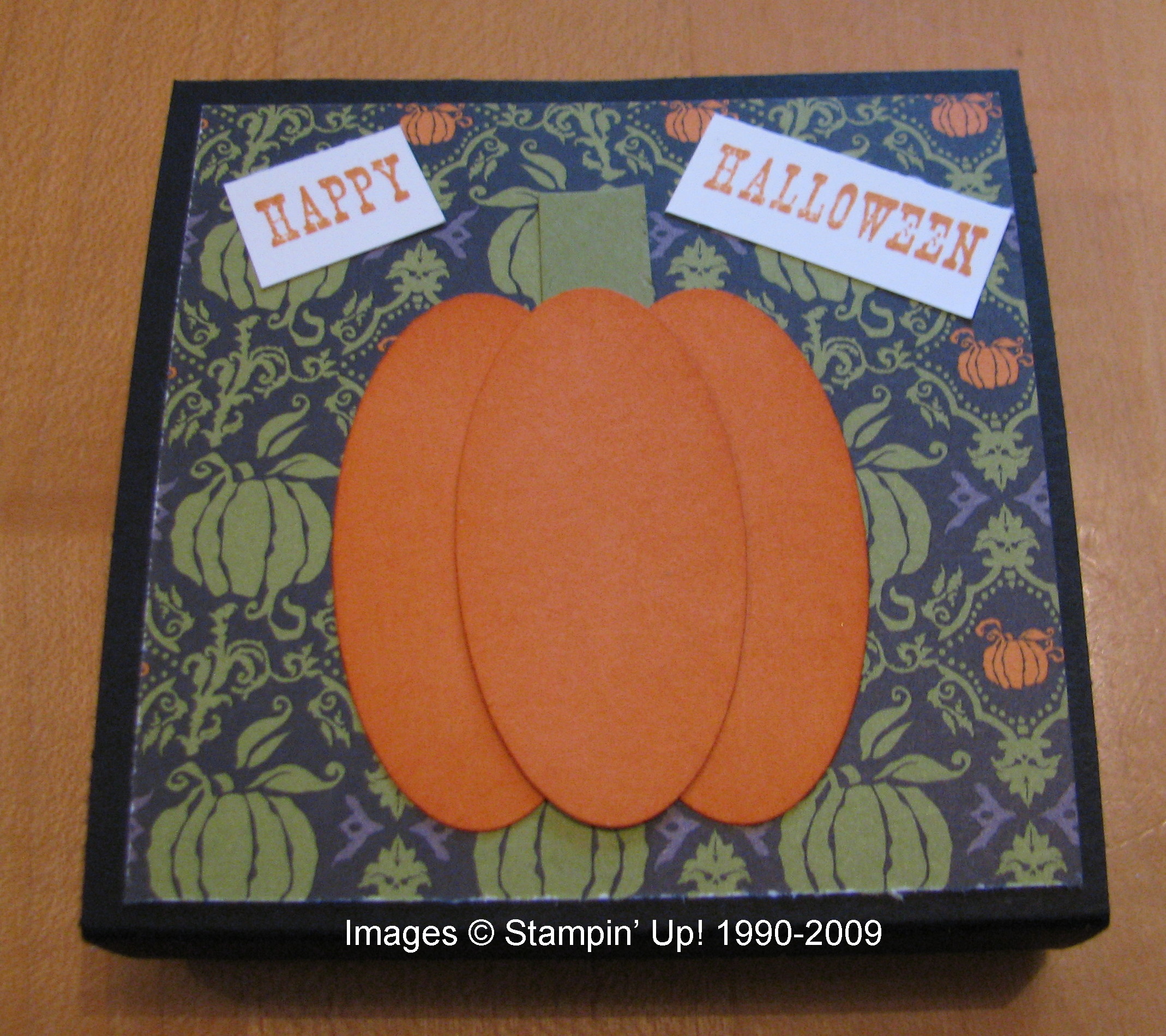
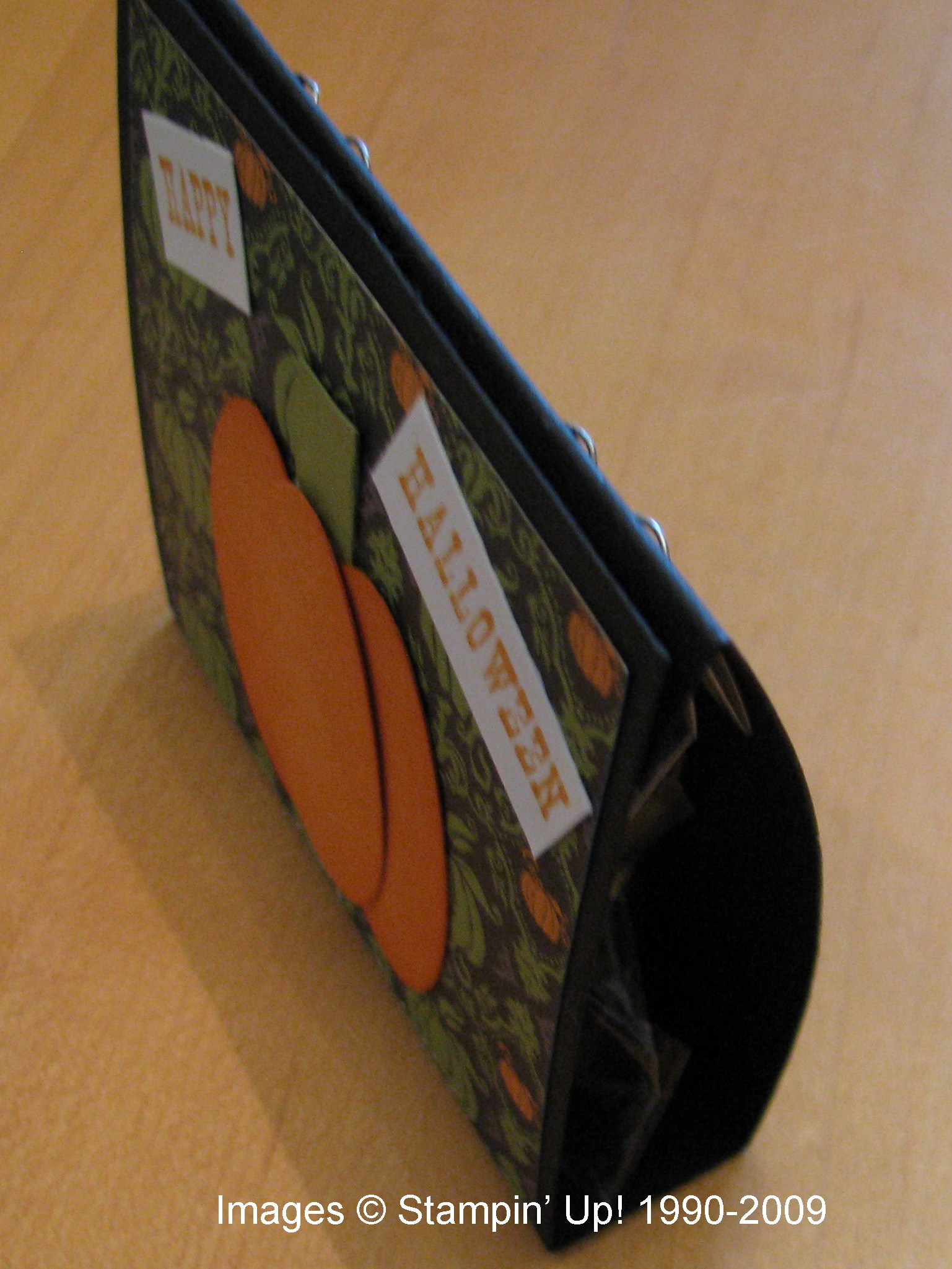
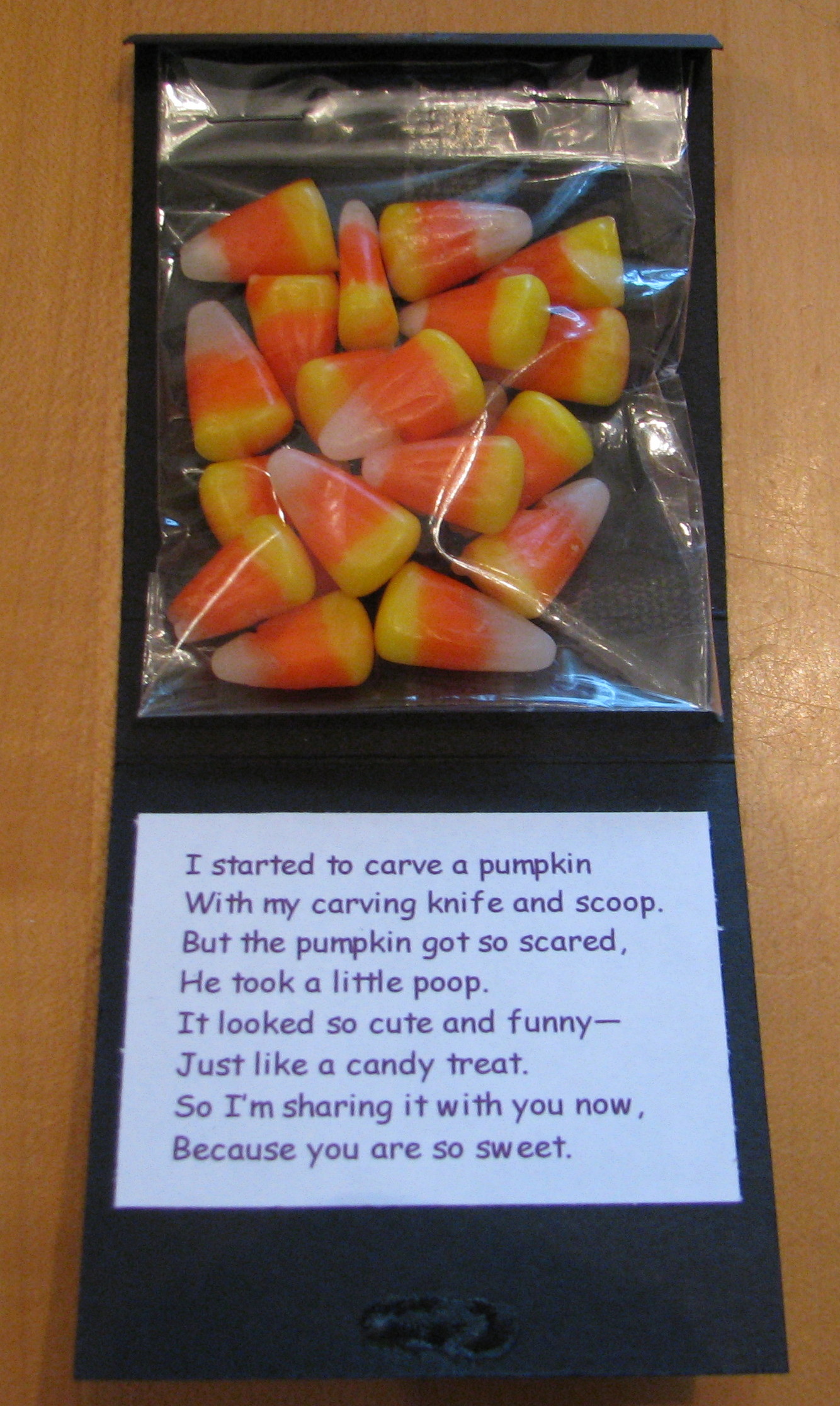
Normally I don't go too much for the little "poop" treats that you often see around holiday time, but this Halloween one going around on many stamping sites kind of caught my eye.  Some were made into little boxes, but I made mine just kind of a foldover thing.  You can see it from the side in the second photo.

PumpkinPoop 

PumpkinPoopside 

The black card stock is 3 1/4" x 7 1/4", scored at 1/2", 3 1/2", and 4 1/4".  On the front I used a small piece of Cast-A-Spell Designer Series Paper and made my pumpkin from three oval punches, sponged a little on the sides.  The candy corn is in a little Stampin' Up! cello bag, stapled to the back, although you could also just use SNAIL.  To keep the holder closed, I put a dab of Tombow Multipurpose Adhesive on the two ends and let dry.  Now it is a temporary adhesive that I can open and close carefully.  You could also punch some holes and use ribbon.  The sentiment is from "All Holidays" stamp set.

PumpkinPoopinside 

I wish October were just starting so I had more time for making Halloween gifts and treats!

My Digital Studio Card

While I have owned My Digital Studio since it first was available, I haven't been as quick as others to whip out projects in ten minutes!  We were out of town for ten days and of course it took probably at least a week to catch up on things at home after returning.  Since I'm not one to just "get in there and play" with the software, I have been listening to and watching the training webinars Stampin' Up! has been providing for demonstrators.  So while I have been "playing" with My Digital Studio, I also found it valuable to follow some of the training provided.  Now that our big trip to New England is long over plus another weekend trip, I've been finding more time to enjoy My Digital Studio.  Click HERE for more information.

My Digital Studio provides designer templates that you can use as is, adding your own photos for a photo album or other project, or adding your own embellishments, etc.  

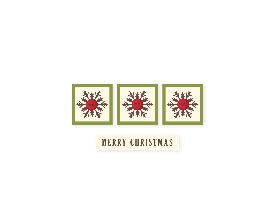
Here is the greeting card template I started with:

                                              My Project 8-001 


(I added the black border in my blog as the card is white and it wasn't showing up!)

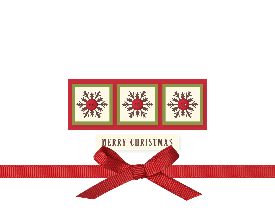
And now here is my own version:

                                               XmasCardCertif-001 

As you can see, I added some digital red grosgrain ribbon and a bow and a digital layer of Real Red card stock behind the snowflakes.  I'm having it printed by the Stampin' Up! professional printer.  

Last night I was really going to town working on a multimedia photo album but had to stop to go to bed!  It is so much fun to discover what all is included in this program….and there already are some new downloads!  Let me know if you have any questions if you are considering purchasing My Digital Studio!

Another My Digital Studio Page

New England Fall Trip 2009-003 

Here's another page I made for my album with My Digital Studio as I am learning to use it.  This would have been a baby  scrapbook page if I had just inserted baby photos into the designer template….but you can take any page and make it your own or even start with a blank canvas.

Don't forget about the special Hostess Offer from Stampin' Up!…..through November 30, get My Digital Studio 50% off with a $400 workshop!

My Digital Studio

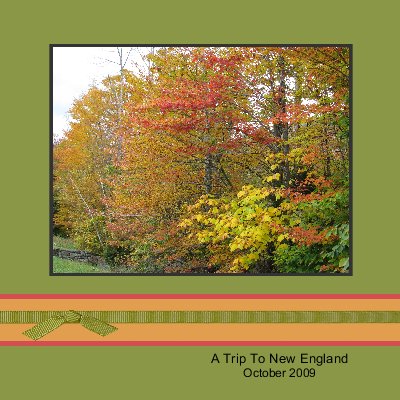
I've started making a digital photo album of some of my New England vacation photos in My Digital Studio.  You can do so many things with this new program from Stampin' Up!.  It isn't limited to just scrapbook pages or albums or calendars, although you can make all those things.  And if you submit your project to the official Stampin' Up! printer, you can be assured that your colors will be true to the Stampin' Up! colors.

Here is what might be my cover page.  I can always go back and change and work on my project.  Would you believe the design began as a baby album but I'm changing it to work for my trip pictures!

New England Fall Trip 2009-001 

Click here to read more about My Digital Studio!

A New Business Opportunity

With the launch of the brand new My Digital Studio, Stampin' Up! has come up with a new way to become a demonstrator!  If you are interested in computers and technology, digital photography, and enjoy crafting in different ways and want to make money incorporating all these things, then the new Digital+ Starter Kit is for you!  You can start your own Stampin' Up! business for just $185.

In your Digital+ Starter Kit, you will receive the My Digital Studio software, two stamp sets, cardstock, ink pads, markers, ribbon, buttons, adhesives and business supplies.  Please click HERE to read all the details about the kit.  There are other links on that web page to give you even more information about being a demonstrator and the kits available.  If you prefer, you can still purchase the standard Starter Kit for just $199.  Either way, I am confident you will enjoy being a part of the Stampin' Up! family.  Please contact me with any questions and I can tell you how to sign up!

Back from Fall in New England

             IMG_6176

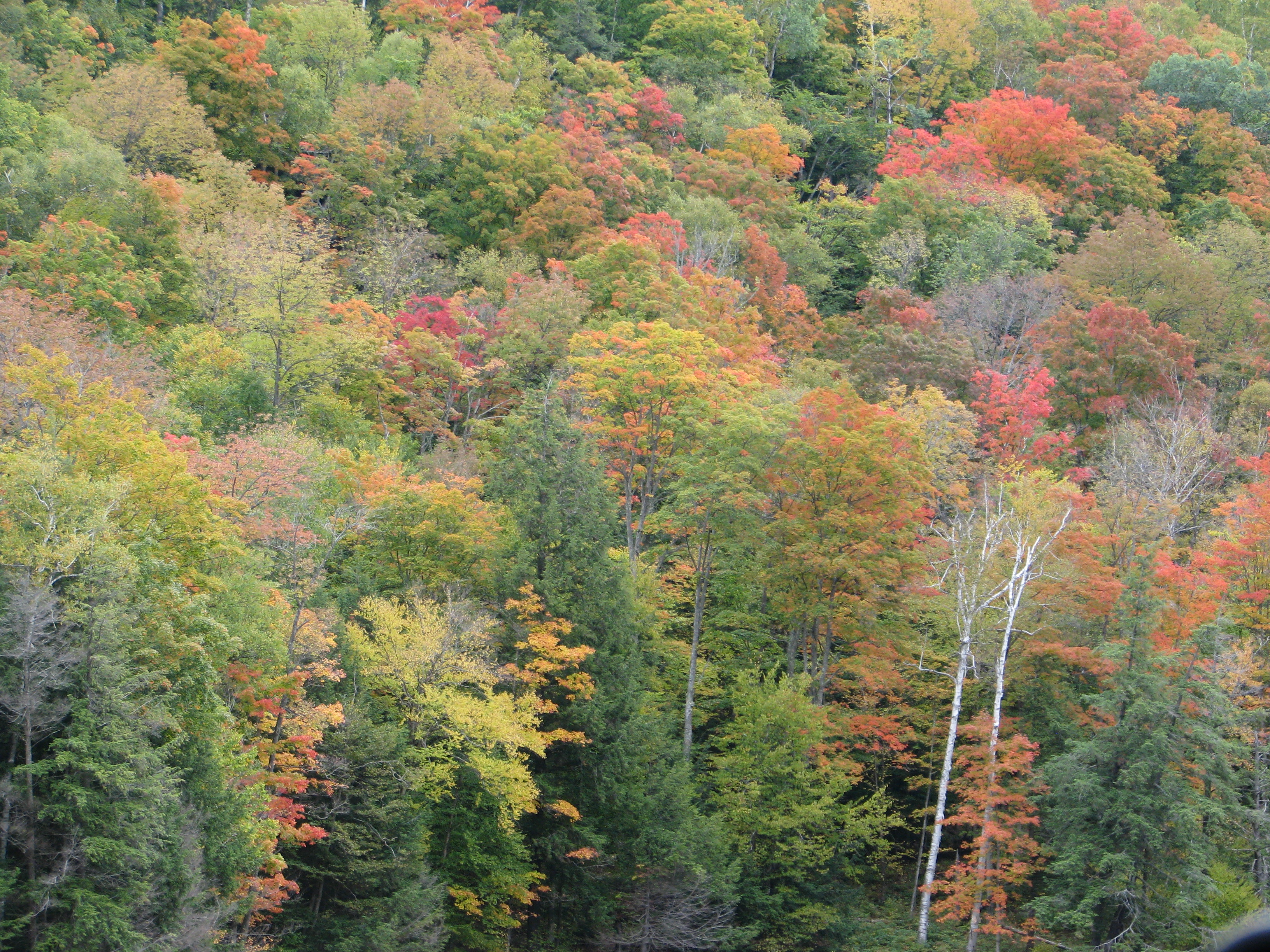
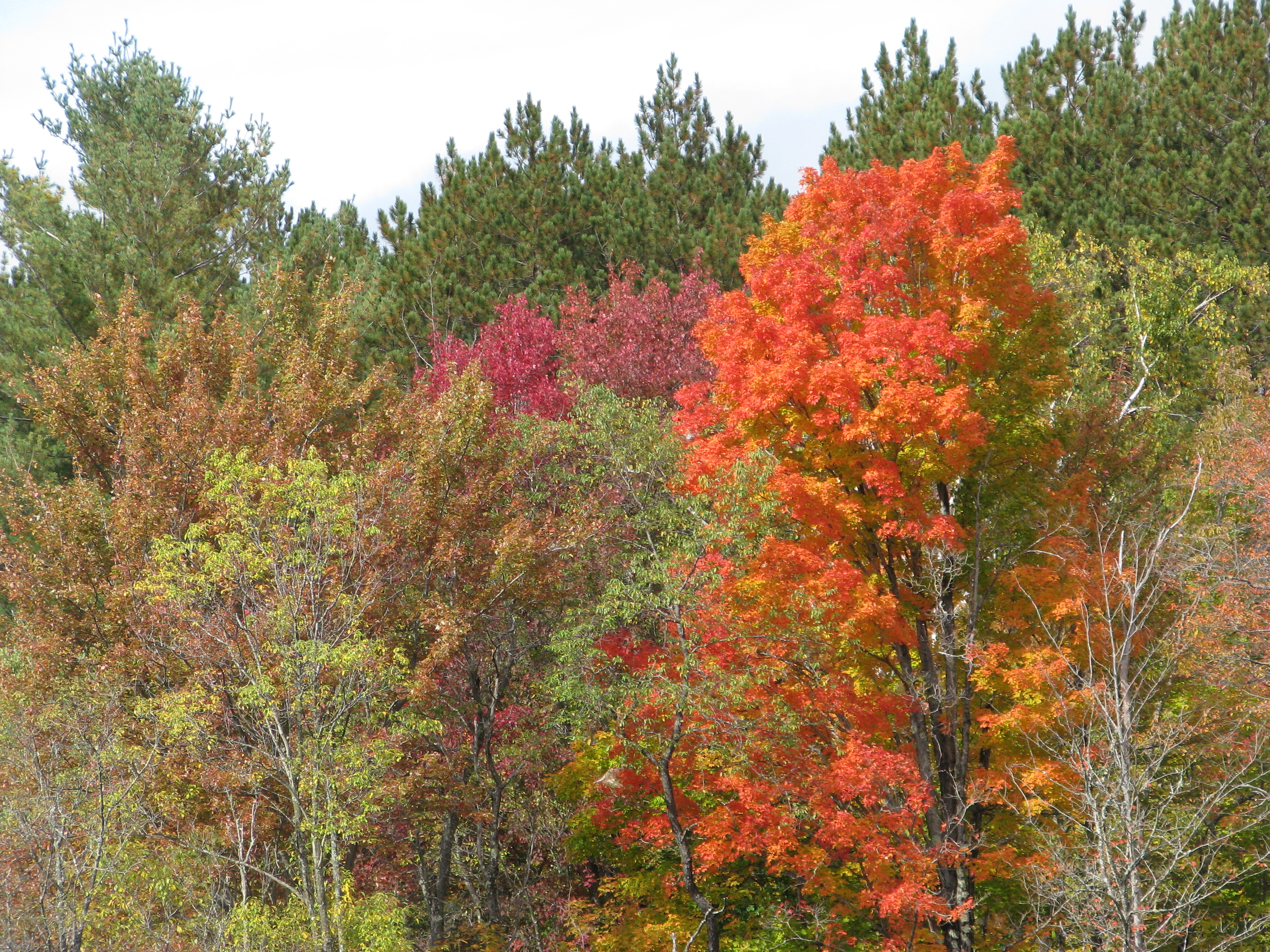
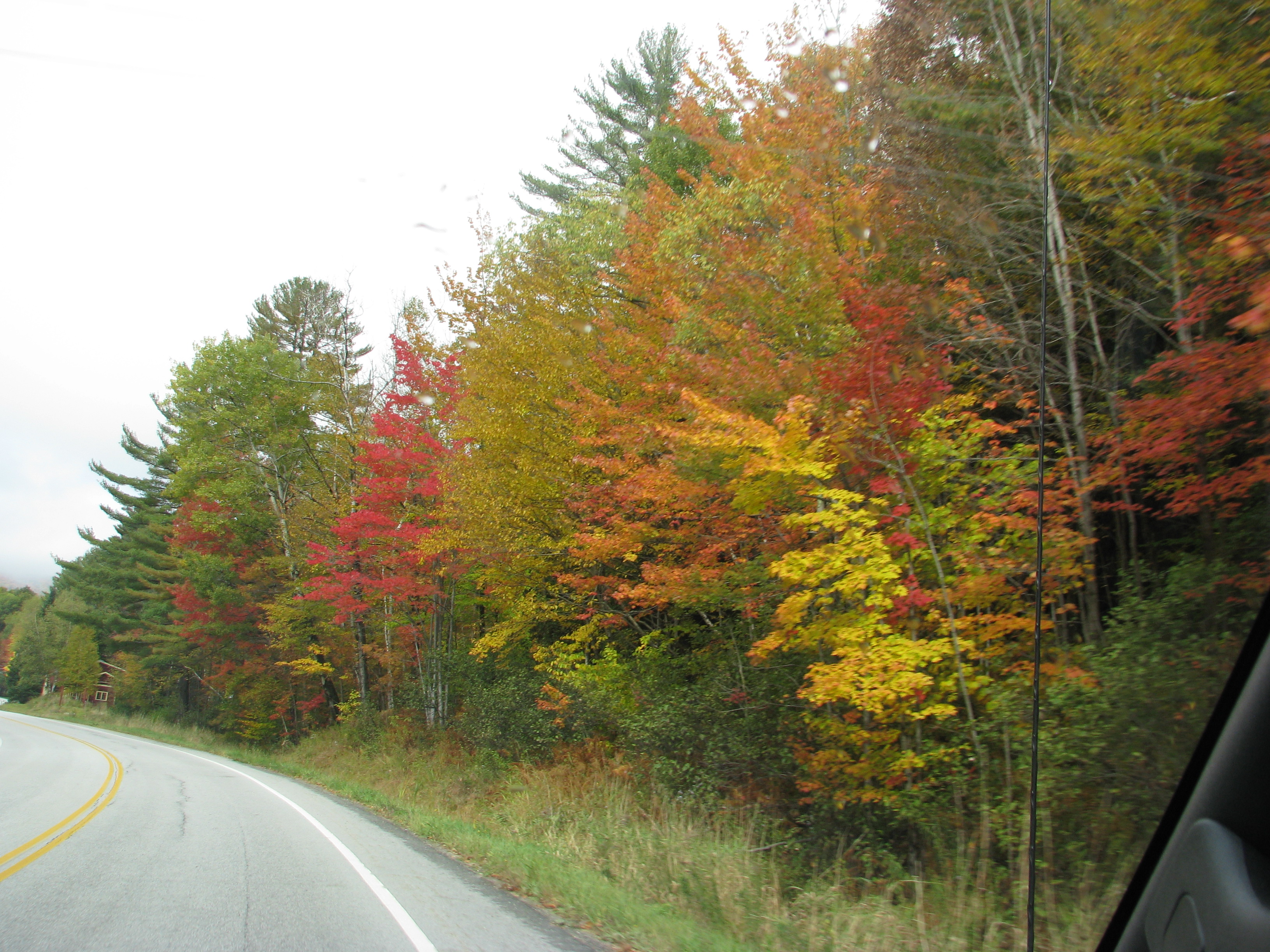
If you noticed my blog posts lacking it is because my husband and I were on a dream trip to New England to see the fall foliage….and New England!  Even on a ten day trip, there wasn't enough time to see everything and go everywhere.  I would like to think we'll go back someday but we'll see!  Since we don't get much in the way of "fall foliage" here in Houston (until Nov. or Dec.) it was a real treat to see the colored leaves.  Timing is everything and we must have hit it right because if the leaves weren't at peak color, I don't know how much more gorgeous they could be!  The only thing that could have been better was the weather.  It was cloudy and chilly almost the whole time, with a little drizzle thrown in now and then, and maybe bits of sunshine on a few days.  Naturally, the day we had the ocean view room in Bar Harbor, Maine it rained.  Fortunately you can still enjoy colored leaves even in cloudy weather and you could even make the case that it adds to the atmosphere of fall……but a little more sunshine to make the leaves sparkle would have been very nice.

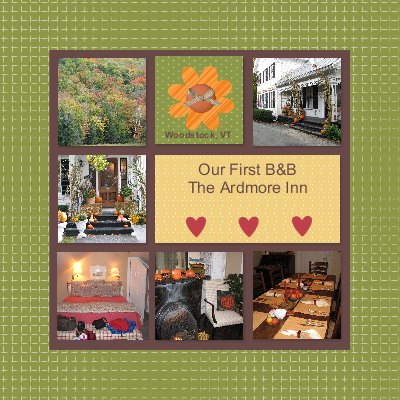
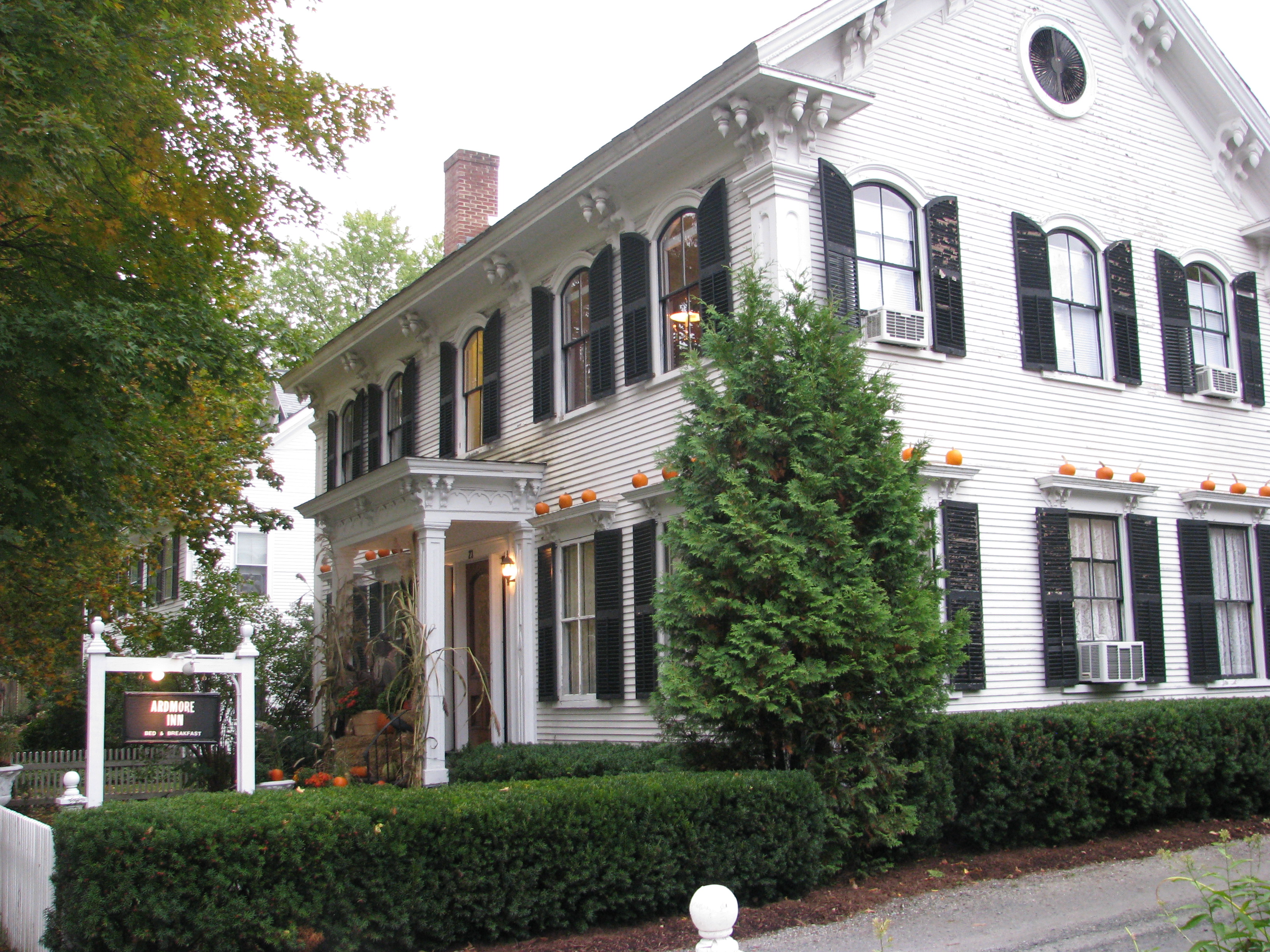
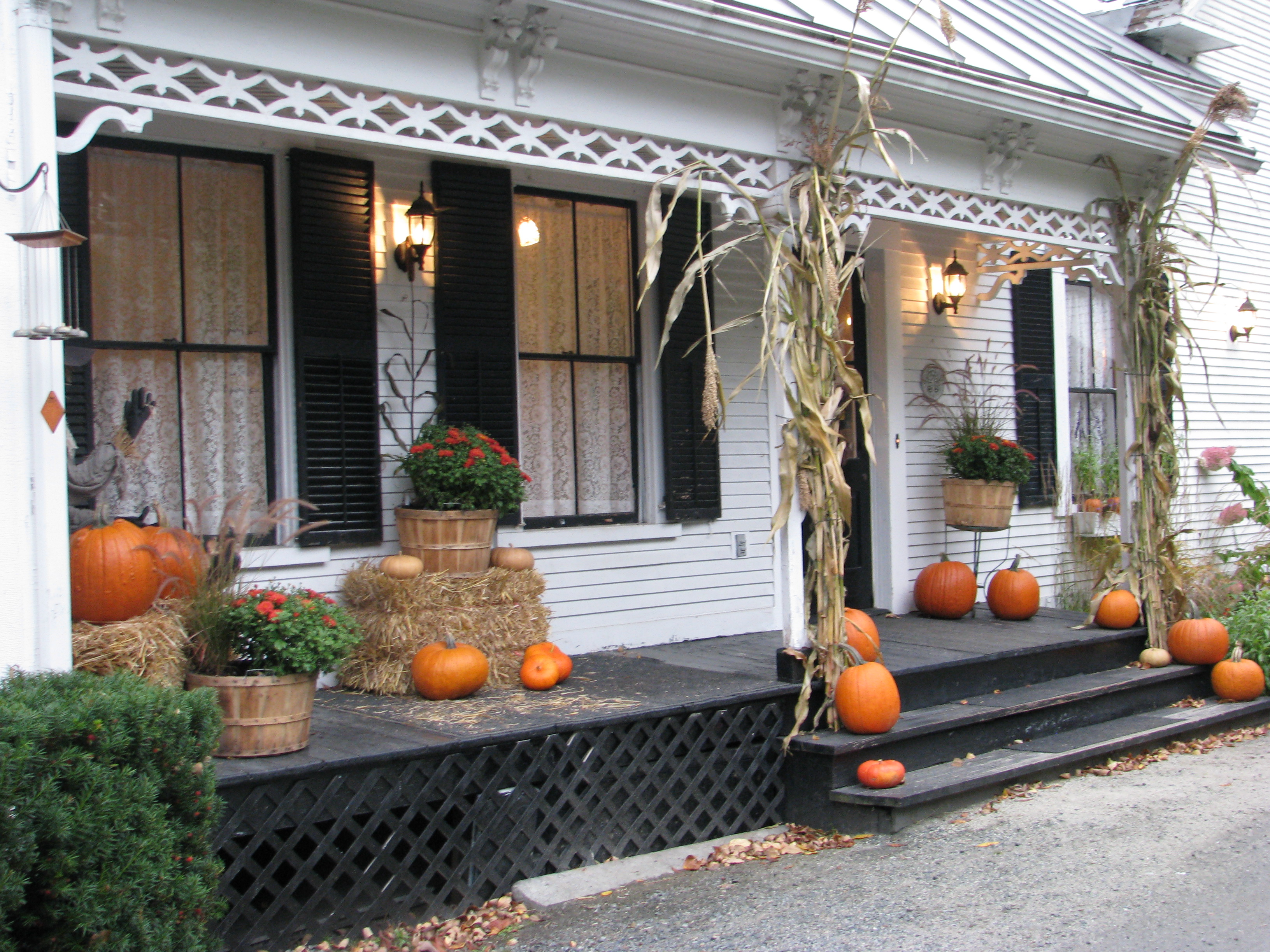
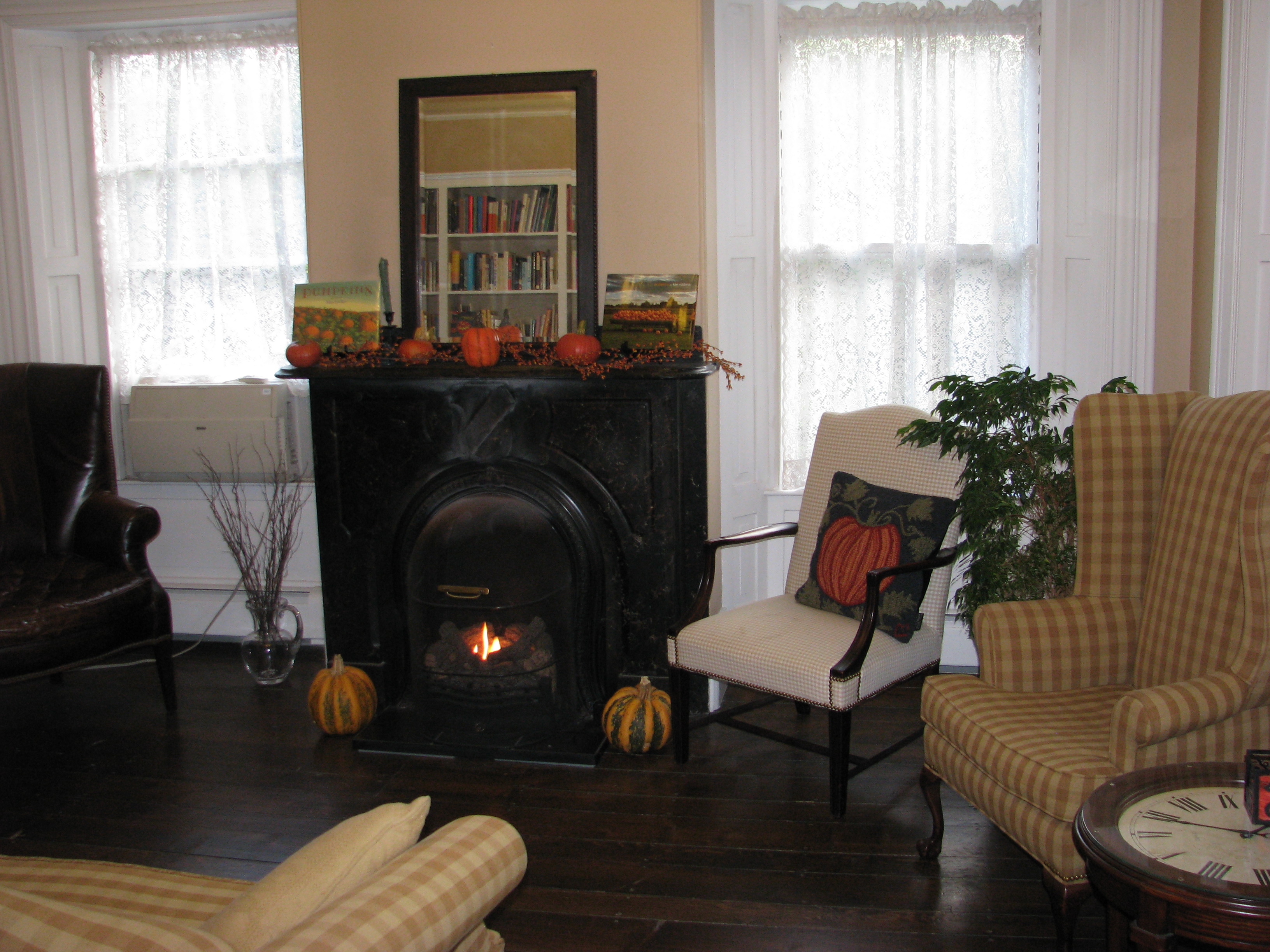
We flew into Manchester, NH and drove straight to Woodstock, Vermont. Right away the leaves looked beautiful, and we couldn't restrain ourselves from saying, "Look at those leaves!"  "Look at that tree!" every few seconds! Woodstock was a really cute place and we stayed in our first B&B, the Ardmore Inn.  We weren't sure how we would like a B&B but it seemed to be the thing to do in this part of the country.  Charlotte was a great hostess and made our first experience a perfect one.  If the delicious breakfasts and afternoon cookies weren't enough, she certainly had me with the fall and Halloween decorations!

IMG_6241
IMG_6243 

IMG_6246
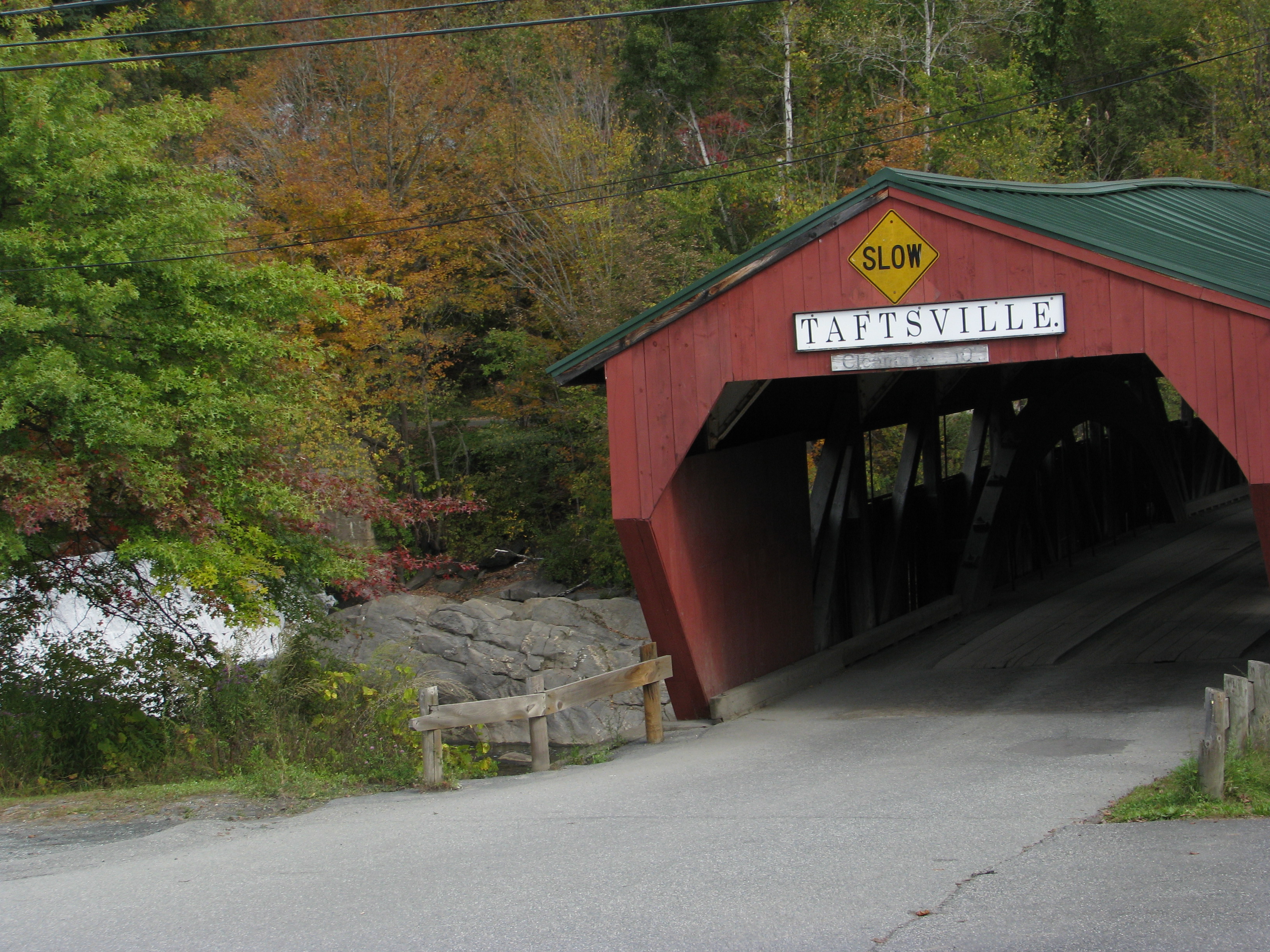
Our first covered bridge:

IMG_6143
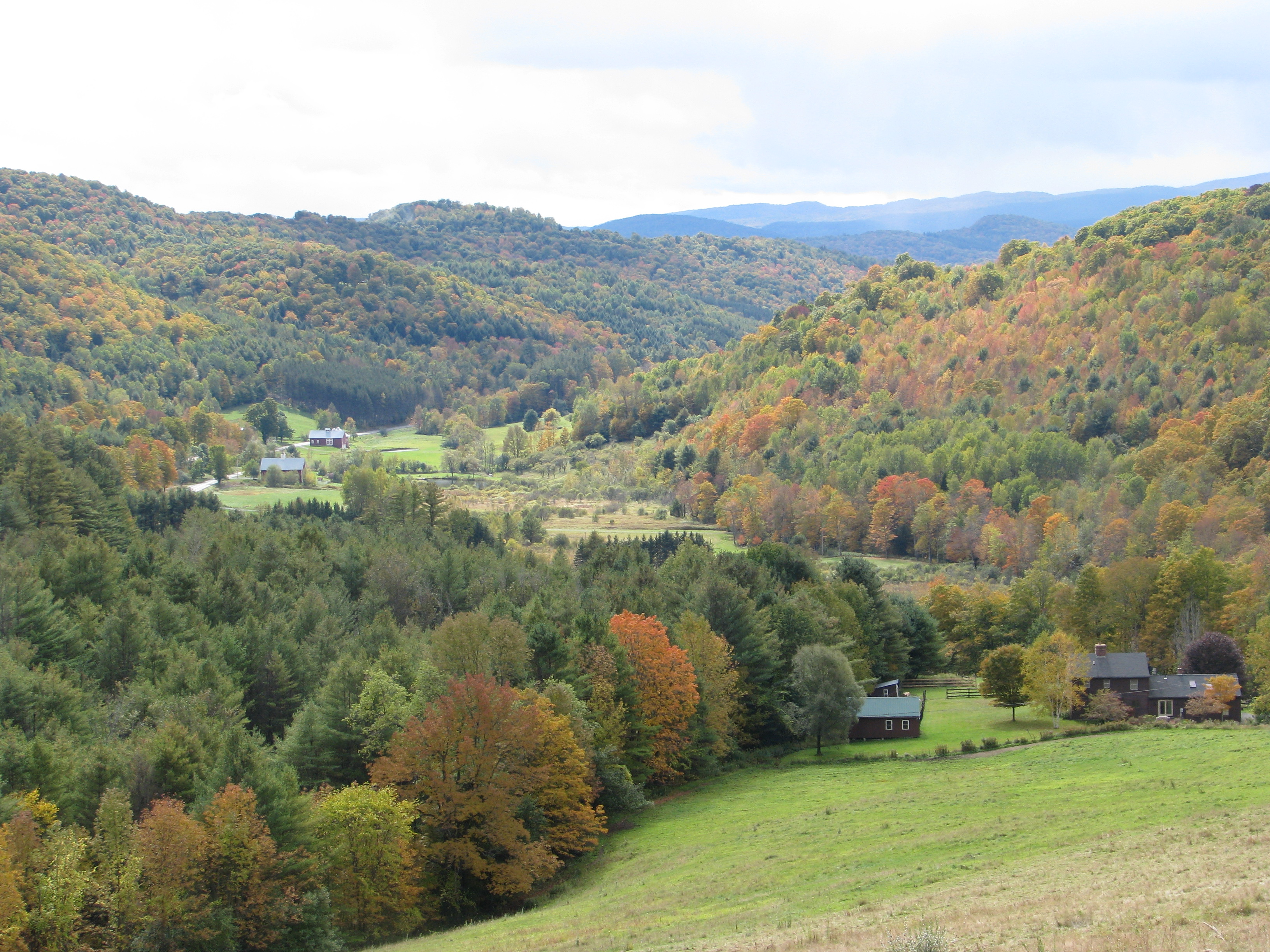
Some scenery…..and thank goodness for our new GPS to figure out where we were on this ride and get us back to town!  Amazing!  We had fun with our GPS lady!

IMG_6169
Vermont was everything you would imagine it to be!

IMG_6280
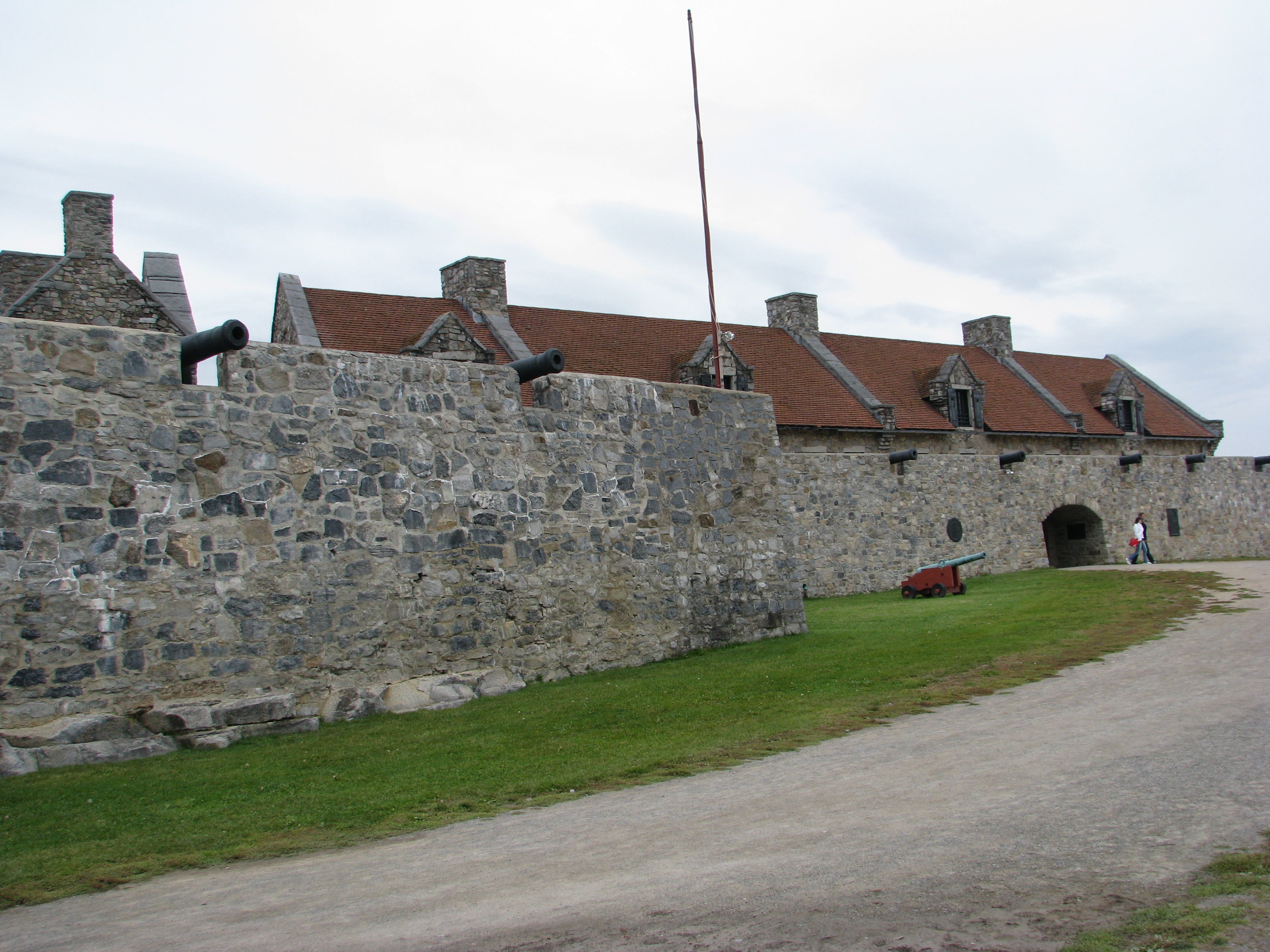
A side trip to Fort Ticonderoga in New York after taking a ferry across Lake Champlain:

IMG_6343 

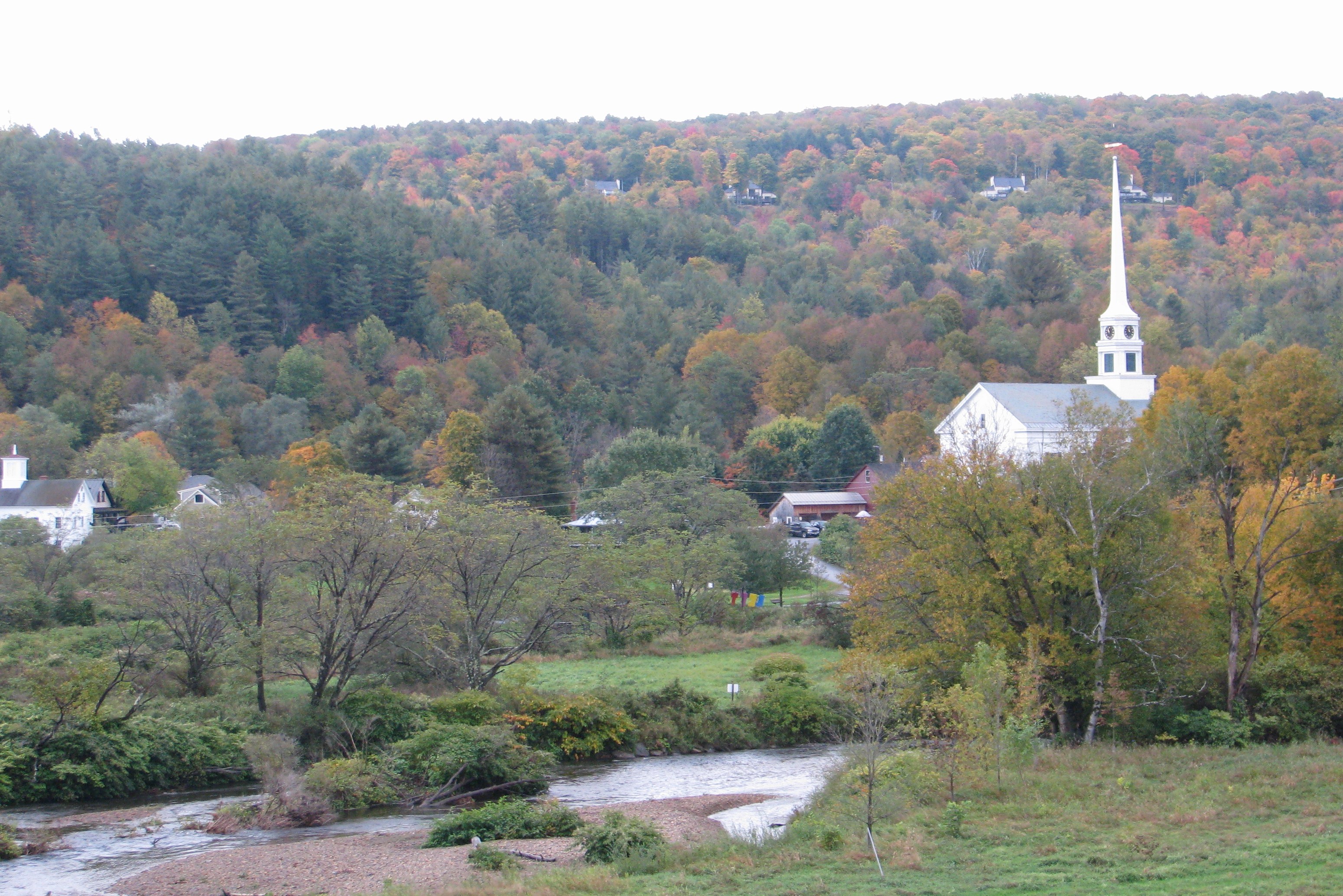
A beautiful "Kodak spot" in Stowe, VT….we saw so many beautiful white steepled churches on this trip.

IMG_6412 

More leaves….can't resist!!

IMG_6539 

I think you can click on the pictures to enlarge.

I do hope I scrapbook some of these photos now!  I think "My Digital Studio" is calling my name!