Category Archives: Scrapbooking

Occasions Mini Catalog 2011 Is Here!!!

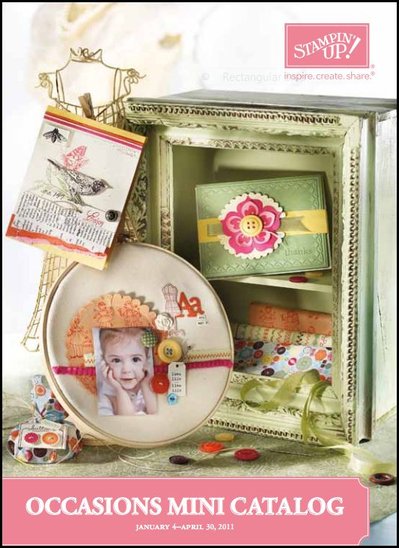
New Year, new Mini Catalog from Stampin' Up!!  Yes, the new Occasions Mini Catalog begins today, January 4 and runs through April 30.  As Stampin' Up! always does, they have provided a fantastic selection of new products you won't want to miss!!  New stamp sets, beautiful new paper (Red Glimmer Paper!!), new punches, buttons, trinkets, fabric. Sewing is a big theme!  (not that you have to sew…you can stamp about sewing themes!)  It's all beautiful and if you haven't already received your Occasions Mini Catalog in the mail, you will want to click the cover below and look at it online!

Stampin' Up! Occasions Mini Catalog

Once you have browsed, just click HERE to go to my Online Store and start your order!  Or contact me with any questions or if you need help!

ENJOY!!!

Last Day for Stampin’ Up! Deals!

This is the last day, last few hours for all the great deals from Stampin' Up! Don't have buyer's remorse tomorrow that you didn't order what you wanted today!

Last Day!  Nov. 30….Online Spectacular :  Products on sale from 20-50% off!  Don't miss it!  Fabric, Big Shot Dies, Brads, Ribbon, Stamps, Decor Elements, Craft & Rubber Scissors, Hodgepodge Hardware, and MORE!

50% off!  My Digital Studio software for digital papercrafting! Unheard of! Make your own calendars, scrapbook pages, journals, cards, photo cards, multimedia, you name it!

50% off Stampin' Up! Starter Kit!!!  Start your own business for only $87.50 TODAY.  Sign up online and be in business by tonight! Contact me!

A Favorite Stampin’ Up! Demonstrator Perk!

You've heard me say before that one of my favorite things about being a Stampin' Up! Demonstrator is receiving the special Stampin' Success Magazine every month!  You would think we would all become accustomed to getting this magazine and become rather ho-hum about it after awhile…..but ABSOLUTELY NOT!  As soon as they start hitting the mailboxes, demos are posting that they received theirs and others start posting wondering when theirs is going to arrive!  We are always anxious for the next issue packed with business tips and fabulous projects!  Stampin' Up! even posts the magazine online so we get a sneak peek before it hits our mailboxes, even though it is nothing like having it in our hot little hands!

The November 2010 issue had a great article about preserving memories with handmade albums, just small simple ones.  I took the basic idea and used it as a project in my stamp camp last weekend and added a few different touches.  I thought it was a great idea for a generic little album, whether people wanted to make it for a few Thanksgiving photos or something else.

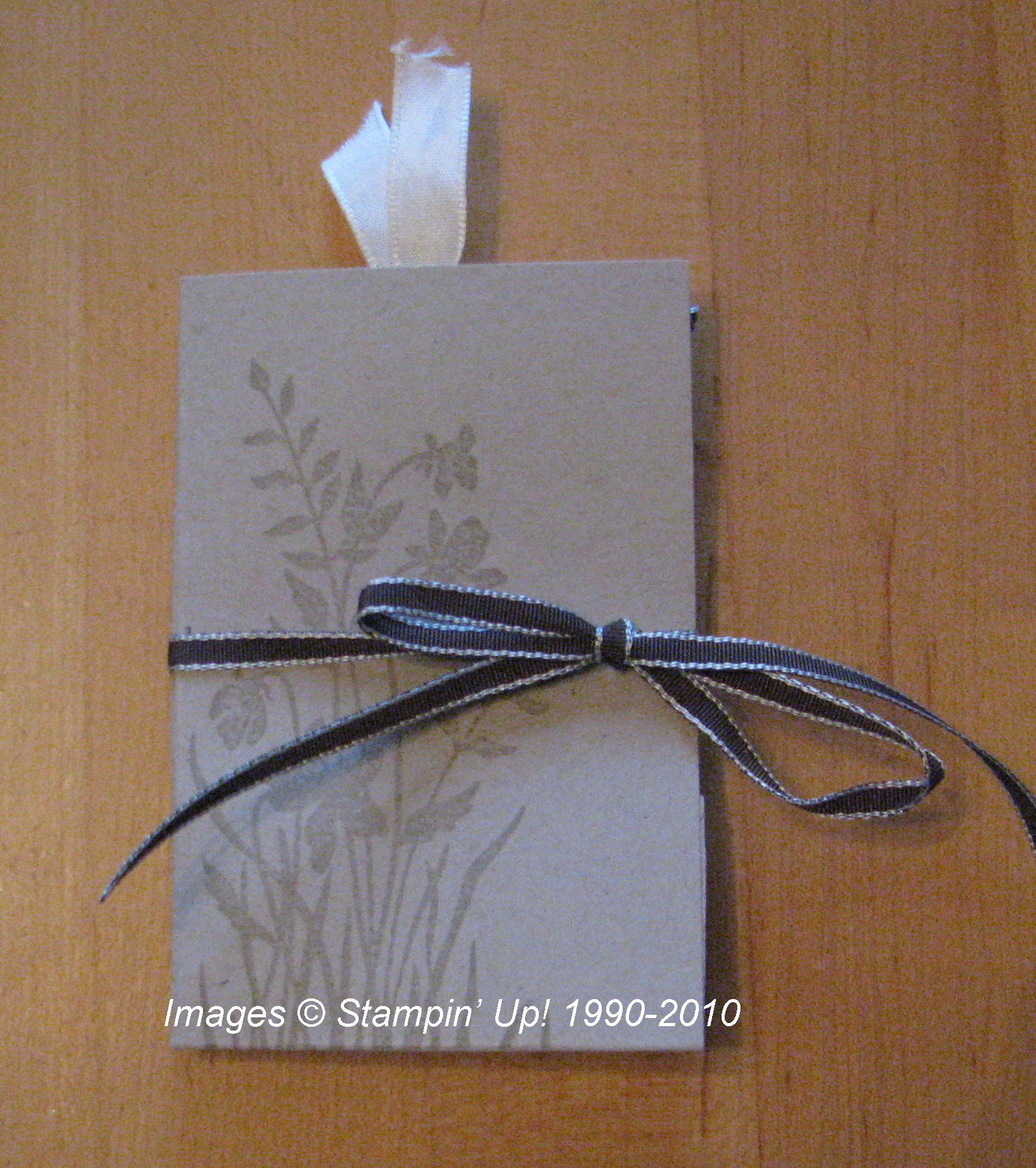
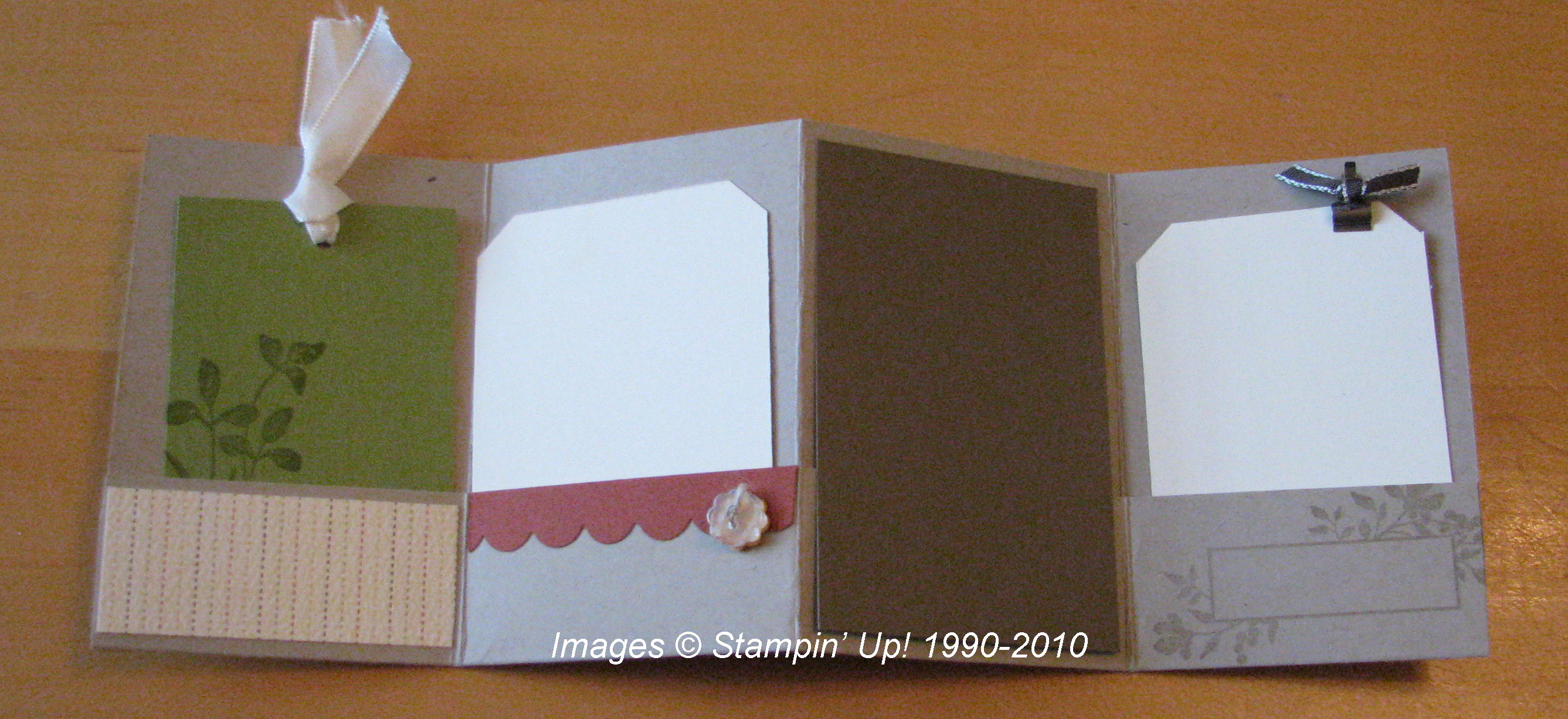
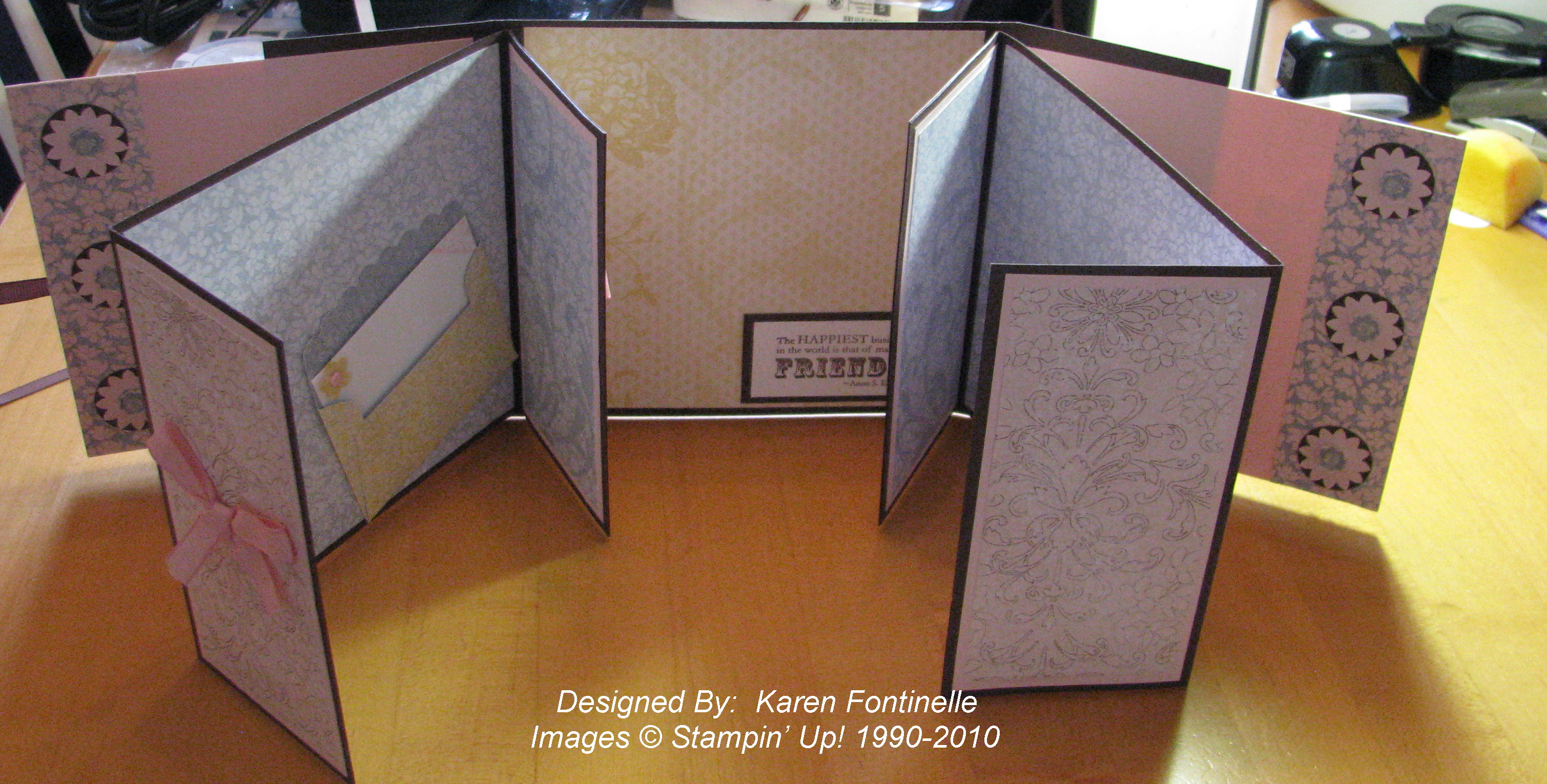
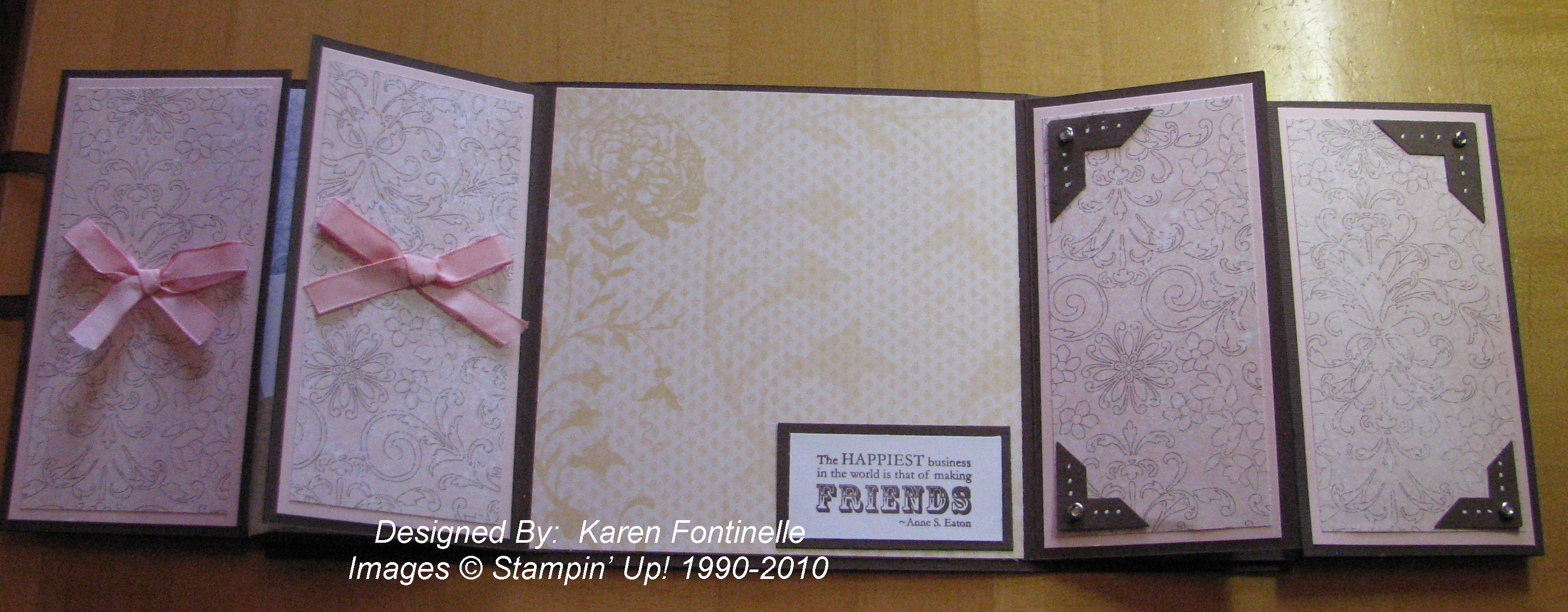
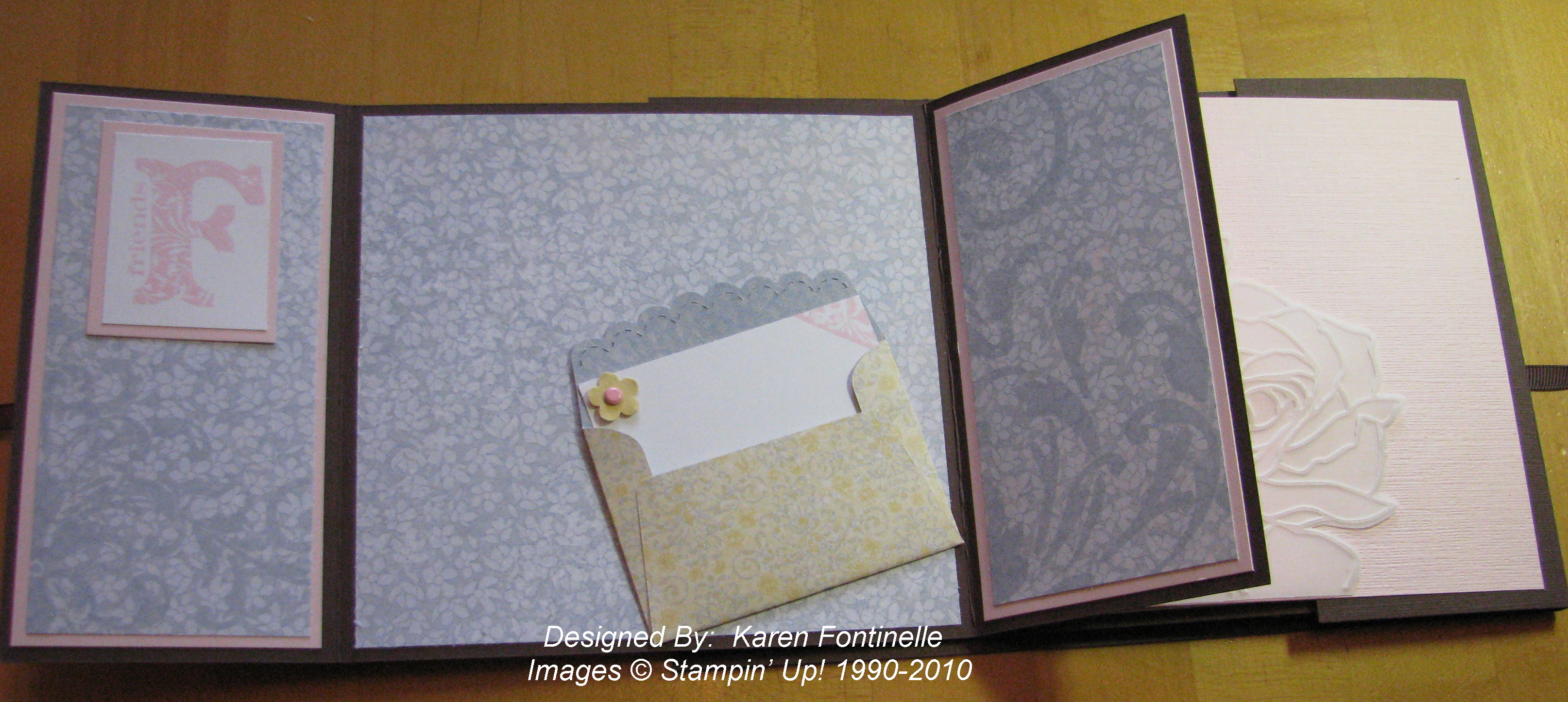
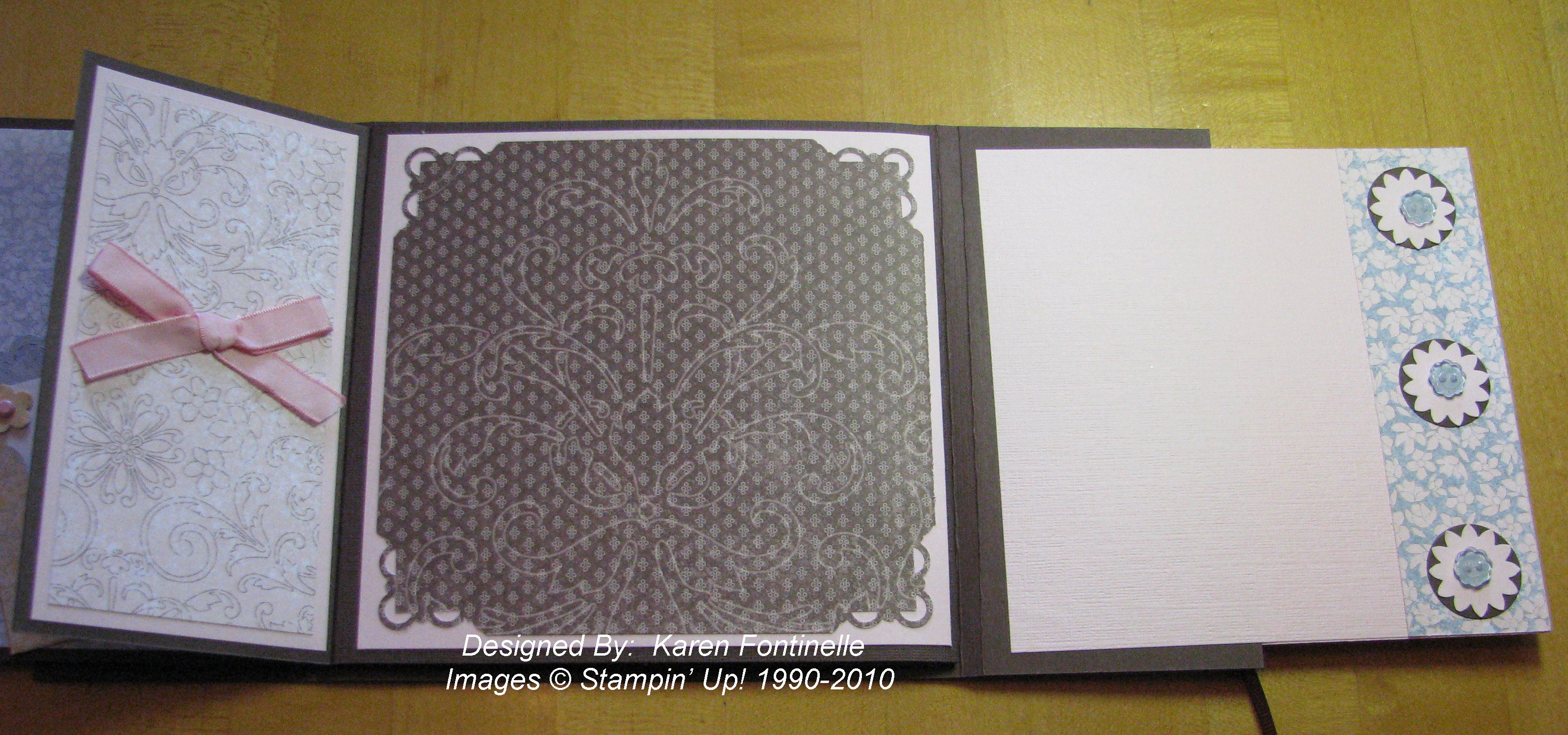
Here is the little scrapbook we made, starting with just a 10" x 5" piece of card stock!

Mini Scrapbook

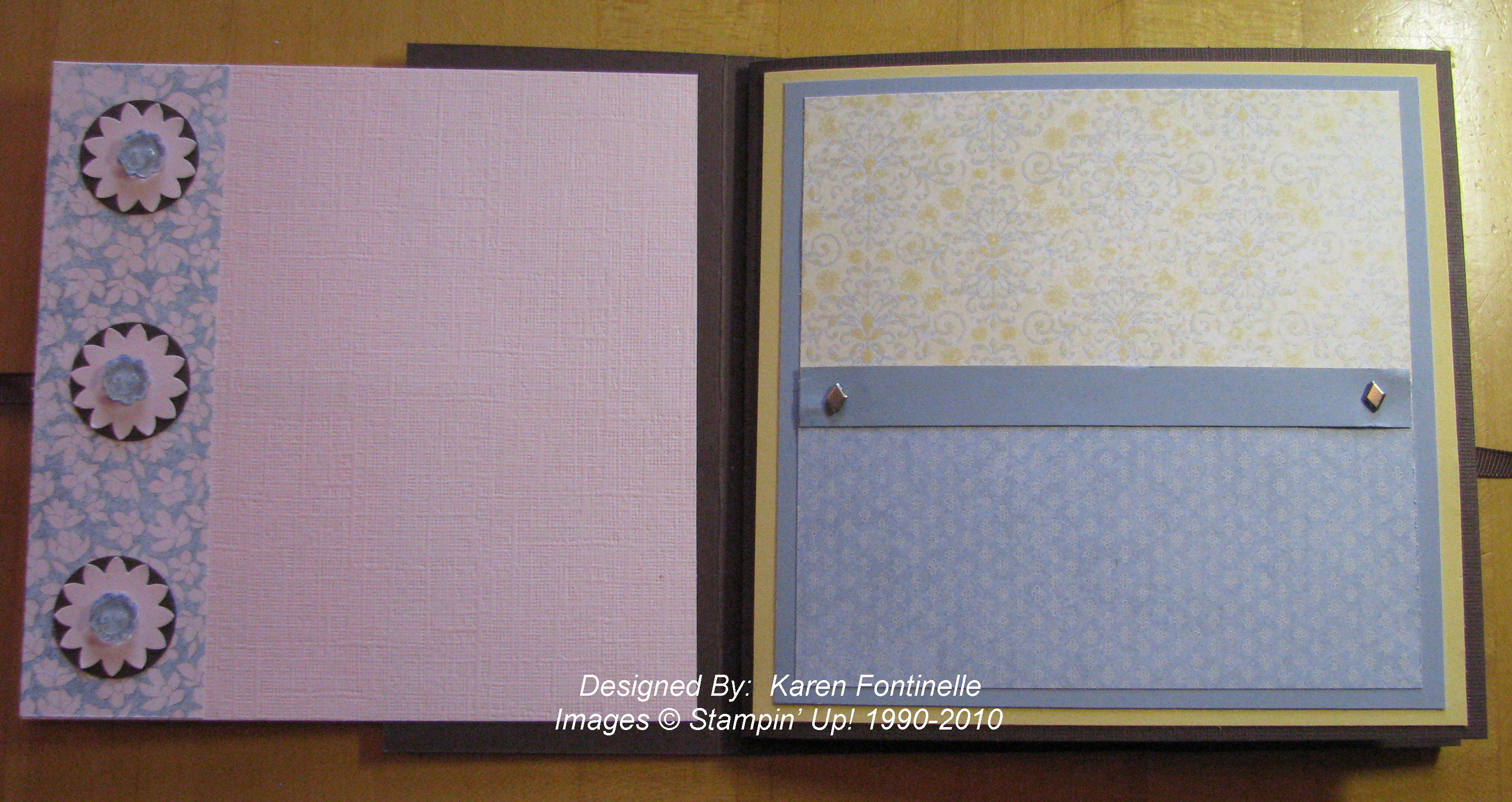
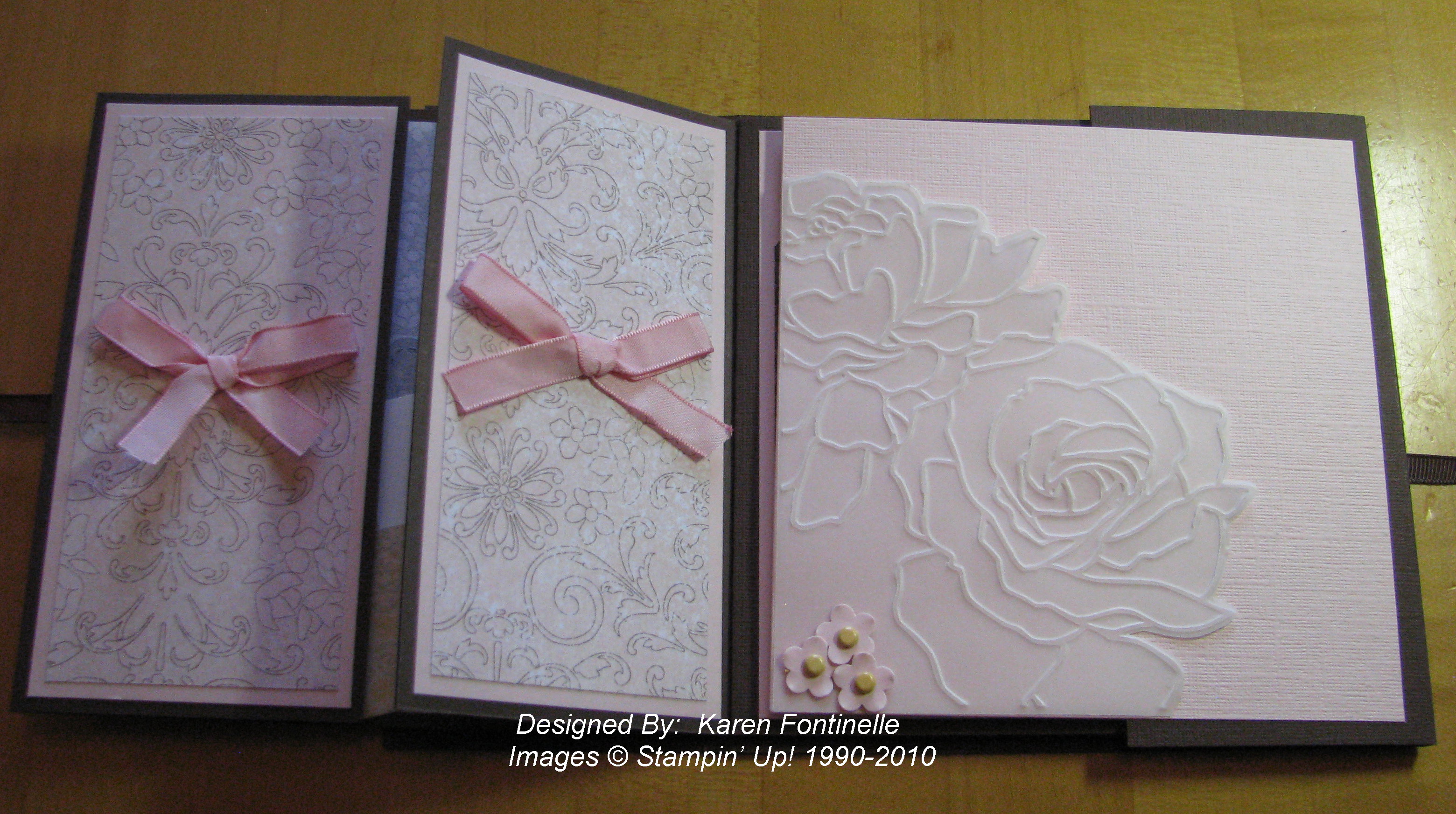
Mini Scrapbook Inside

Click on the photos to enlarge.

You can make this album any size….just fold your paper in half, open, then fold each side to the middle, producing four sections.  Fold the bottom up for the pockets.  Make a few tags or photo mats, do a little stamping or punching little scraps of paper, add a couple little embellishments….whatever!…..you have a nice little album ready for photos!  On this project we used the stamp set "Just Believe".

If you have any questions about this project or becoming a Stampin' Up! Demonstrator with the amazing Starter Kit 50% discount, just leave me a comment!

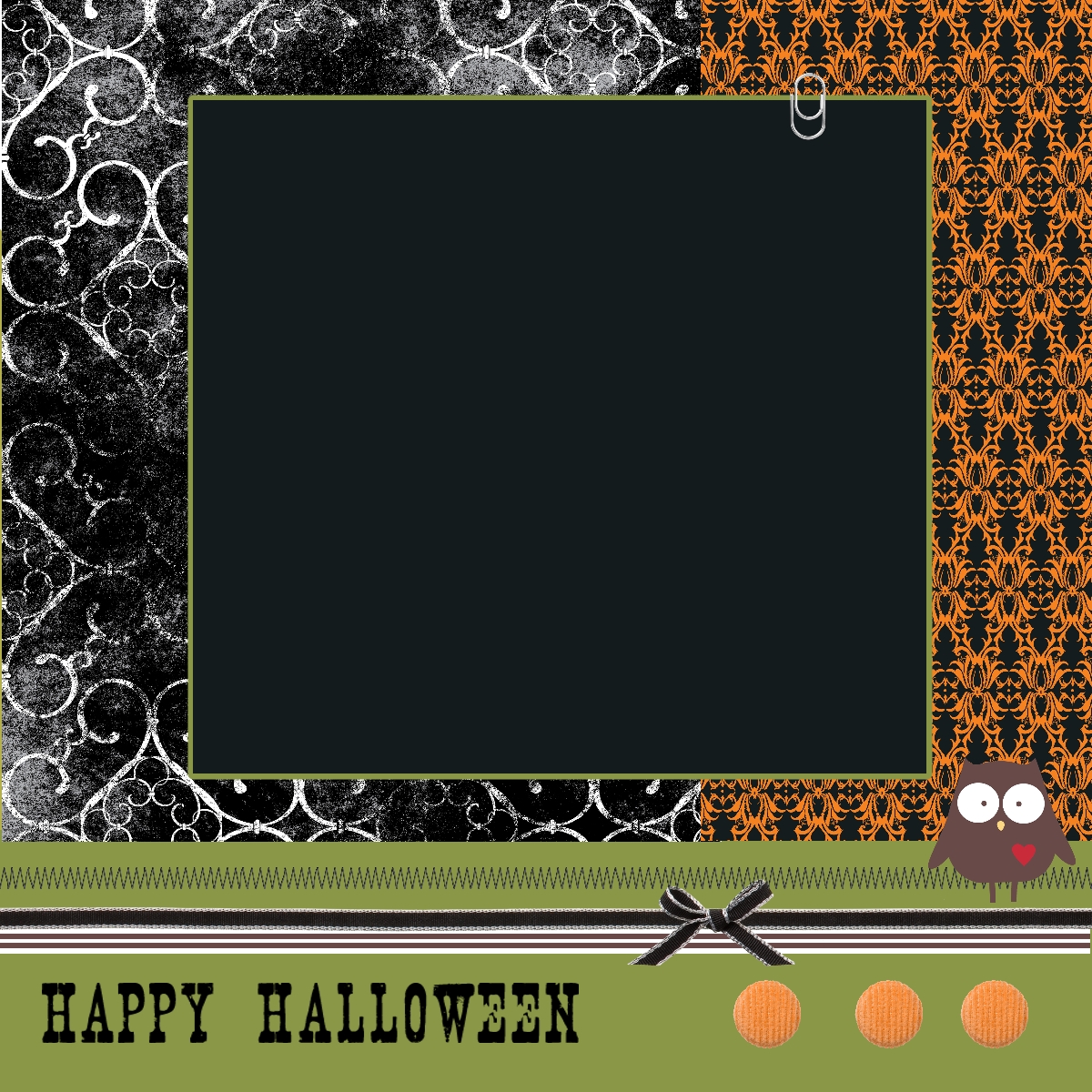
My Digital Studio Halloween Page

My Digital Studio Halloween Scrapbook Page

Images copyright Stampin' Up! 2010

It's fun to play around with My Digital Studio and see what you come up with! And there is SO much to come up with!  Here's a Halloween page I came up first by starting with an already designed template included in the software and then changing the paper and the embellishments.  Even though it is a template in the software, you can change every element of it.  Make some Halloween scrapbook pages ahead of time and you'll be all set to add the spooky photos next week!

Don't miss checking out My Digital Studio HERE!  If you love Stampin' Up!'s great paper, ink, and stamps you will also love this digital papercrafting program they have put together!
 

New My Digital Studio Downloads!!

They just keep coming!!  Whether you have (or want to purchase!) My Digital Studio by Stampin' Up!, a digital papercrafting solution, or you have another digital program, here are the latest new downloads from Stampin' Up!

 Item  Description  Image  Price

123200

To the Nines Designer Series Paper

  $4.95

121434

Typewriter Numbers Stamp Brush Set

  $5.95 121435  Timeless Stamp Brush Set   $3.95 122161 Word Window Punch $0.95 121436  Favorite Thoughts Stamp Brush Set   $1.95 121437  In a Word Stamp Brush Set   $3.95

Just go to my Demonstrator Website and click on the Shop Now button! Then click on "Digital Crafting" on the left and then "Newest Downloads".

You don't have to be a big digital scrapbooker to get lots of use from My Digital Studio!  Need some designer paper?  Just print some out!  Need a sentiment you don't have in a stamp?  Print it out from My Digital Studio! Need a card?  Just make one in My Digital Studio!  Send it digitally to share if you don't want to print and mail!

Get My Digital Studio software #118108 by ordering at my website HERE and clicking the Shop Now button!


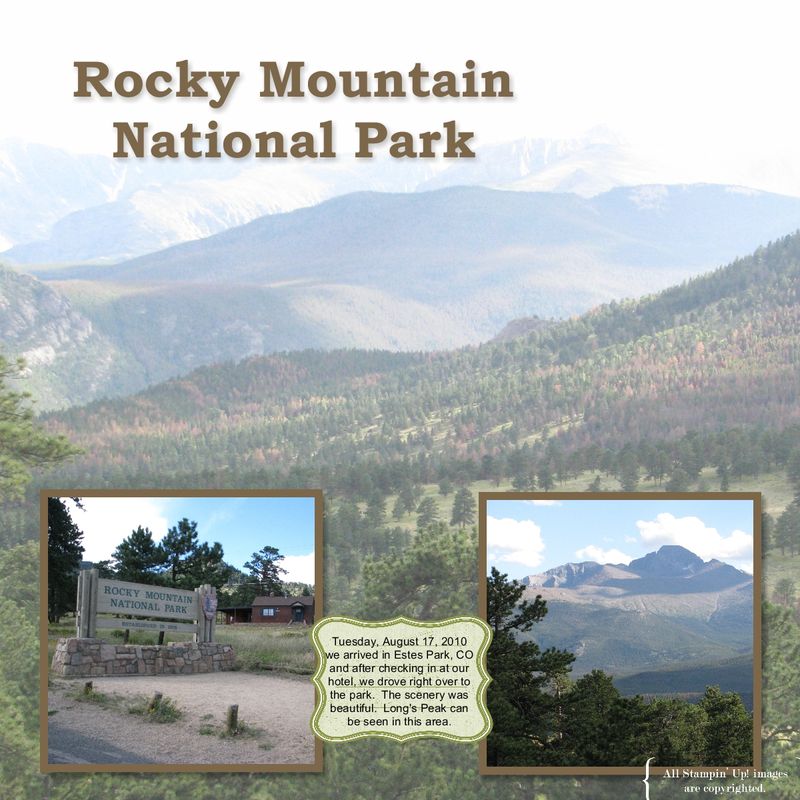
My Digital Studio Photo Page

Rocky Mountain Natl Park

In continuing to work on digital scrapbook pages of our recent Colorado trip with My Digital Studio from Stampin' Up! I decided to try something I had seen demonstrated.  I used one of my photos as the background paper for the page! You just put a photo box over the entire page and insert your photo! Then I changed the opacity to 80% to make it look lighter so I could add a couple photos on top.  Where I placed the text is an element from "Write Stuff" in the program….I sized it how I wanted it and then placed a text box over it with my journaling.

There are new videos that I mentioned last week from Stampin' Up! to introduce you to using My Digital Studio.  Just click HERE to go to the page to learn more about My Digital Studio.  If you would like to see the videos, just click on the link on that page in the left column.

Back from Colorado!

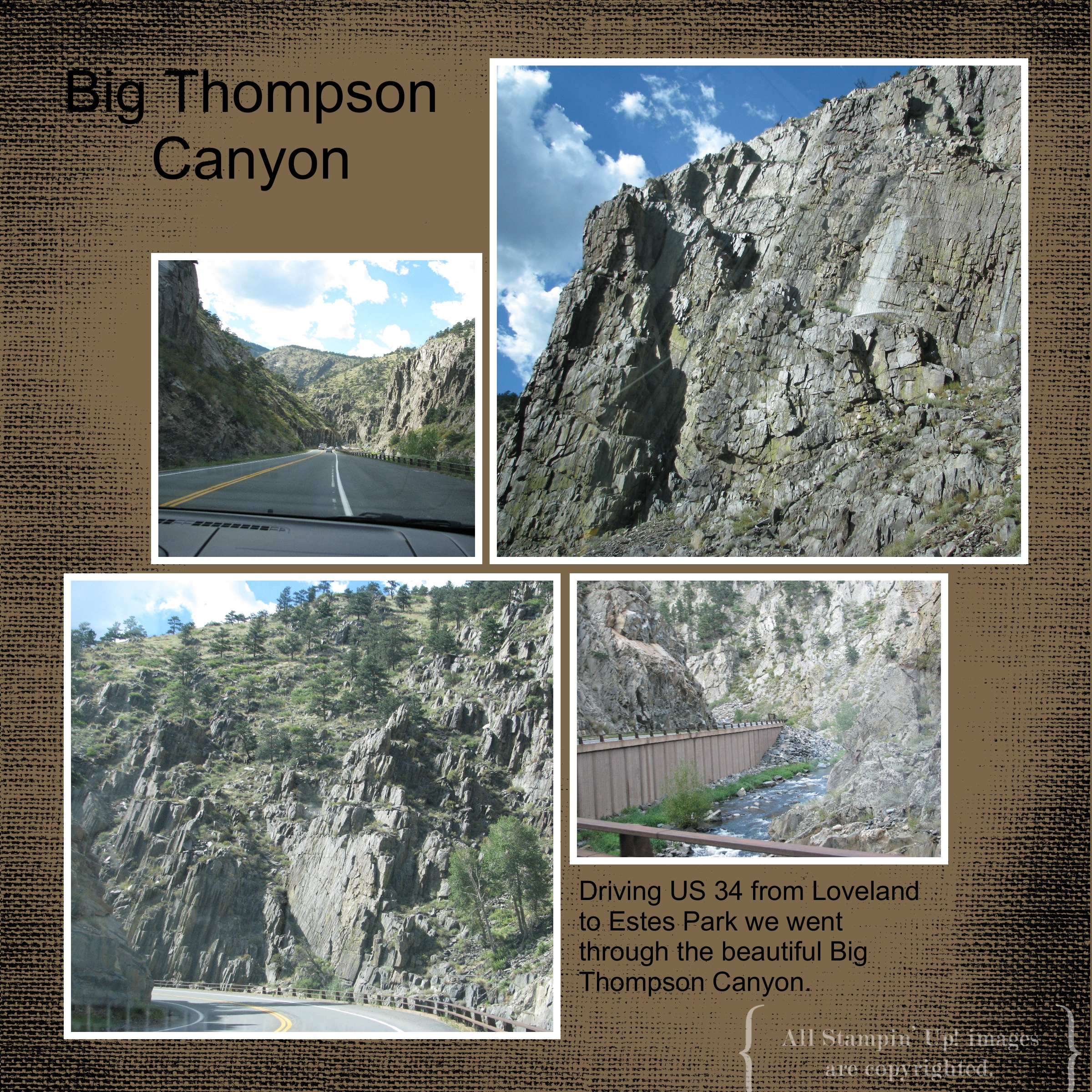
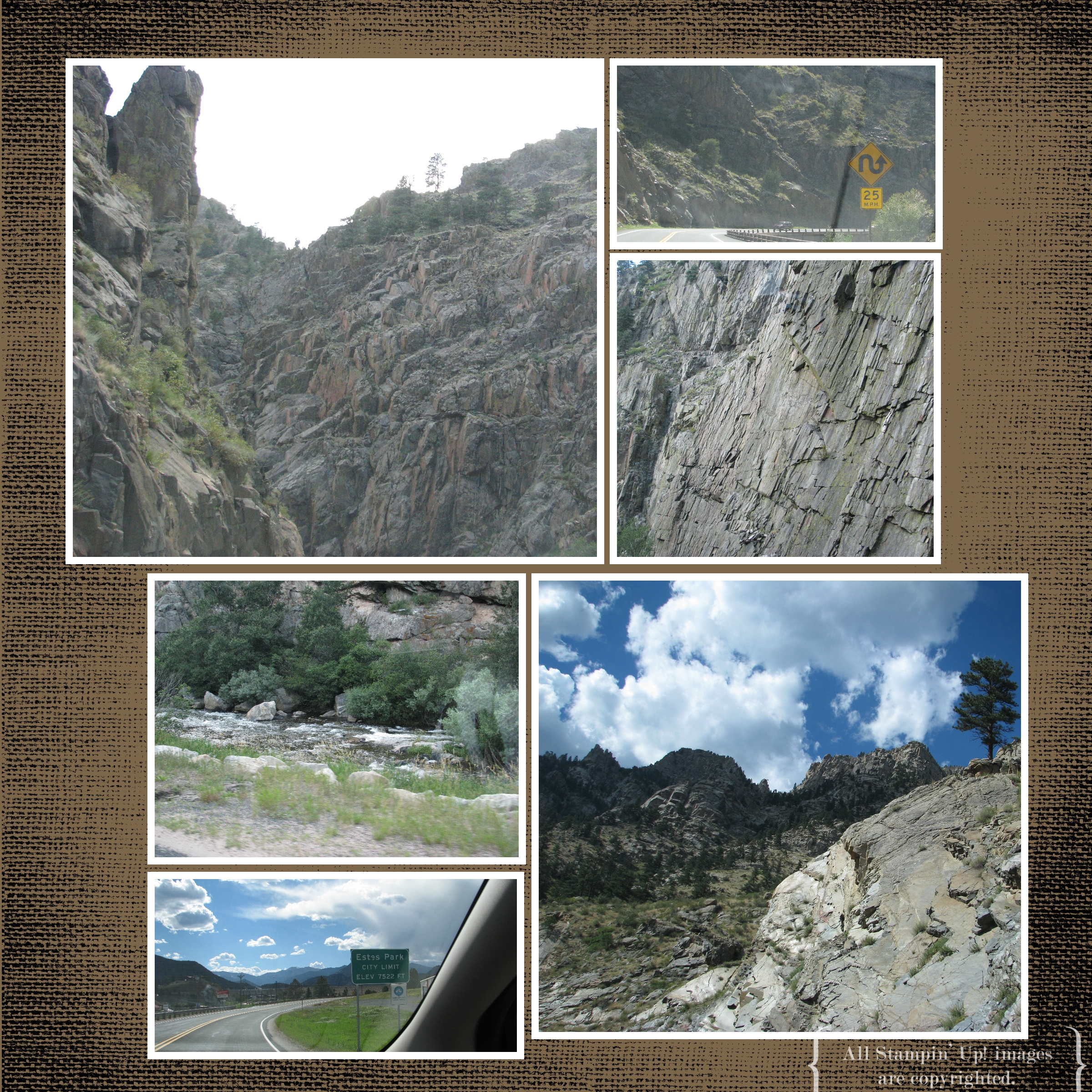
It's been a busy summer what with wedding planning and going to the Stampin' Up! Convention in July and making wedding invitations.  But my husband hadn't had a trip or any of this fun so he was ready for one.  And off to Colorado we went!  Last night I began putting some photos into My Digital Studio to chronicle our vacation.  Here are two pages I came up with, the first day driving through Big Thompson Canyon, from Loveland, CO to Estes Park, CO.

My Digital Studio Big Thompson Canyon

My Digital Studio Big Thompson Canyon scrapbook page

On the first page, I just chose an already designed page of photo boxes and inserted my photos.  I added the Soft Suede background color, the photo mats, the text and the texture to the page.  For the second page, I inserted a "mirror image" of the first page, but since I had so many photos to include, I added a couple small photo boxes.  All very easy!  If I had a laptop, it would be great to do a page or two a day as I traveled with My Digital Studio installed on my laptop.  You are allowed to install the software on two computers in the same household, which is a great benefit!  


Favorite Stampin’ Up! Convention Photos

Let me see if I can possibly find and pick out some favorite things from Convention that I haven't shown yet!

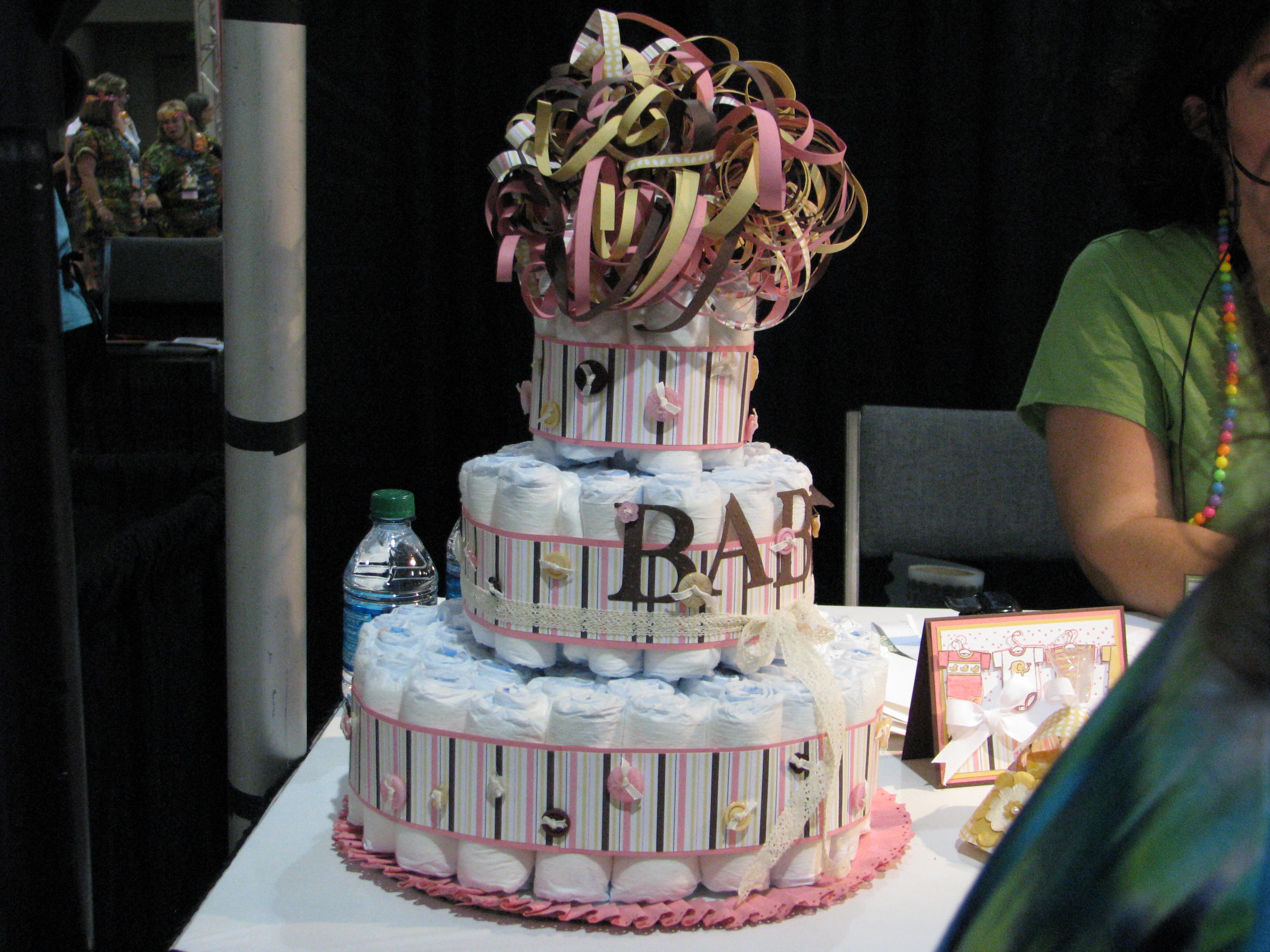
Diaper Cake Baby Projects Demo 

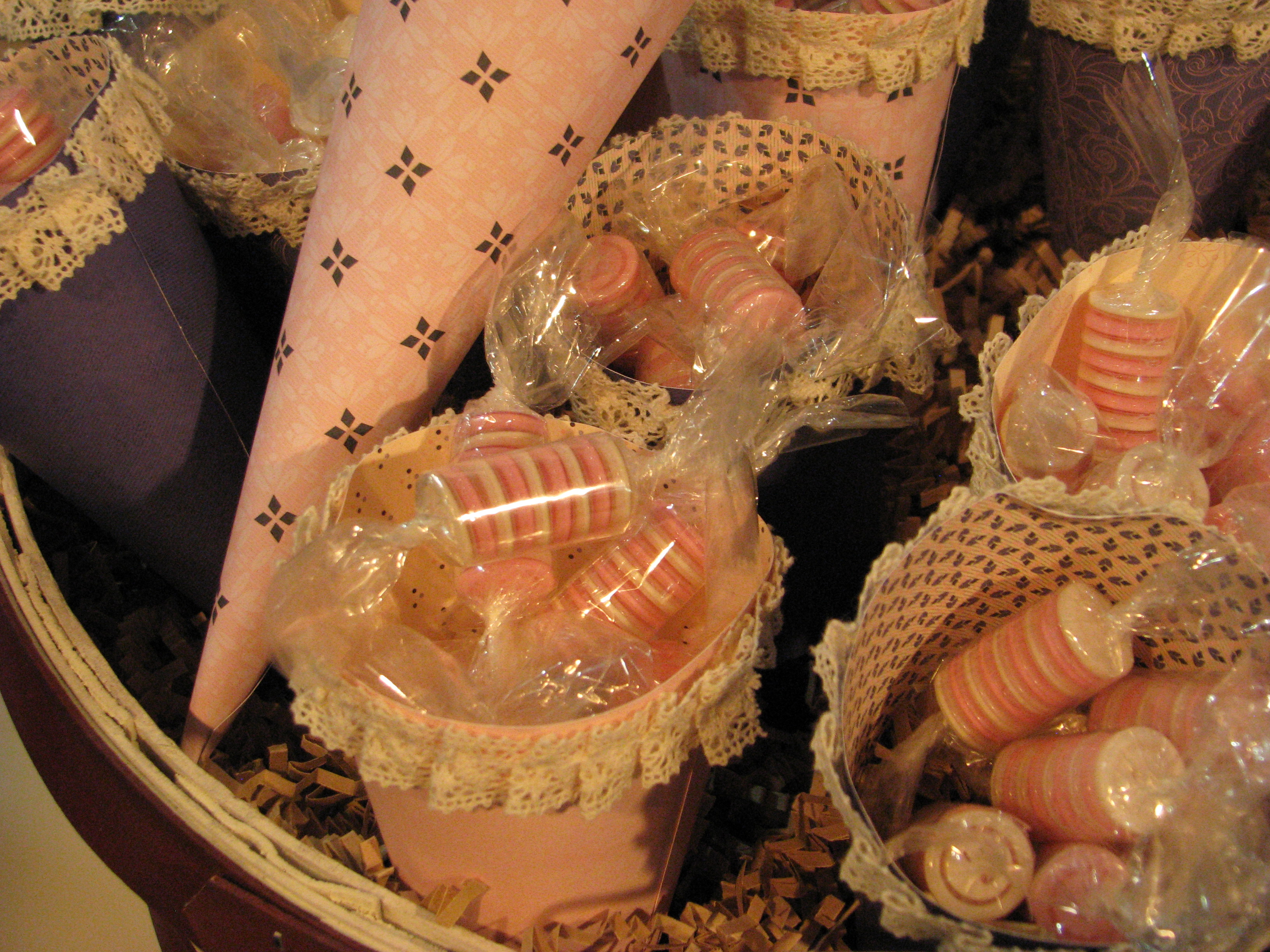
Stampin' Up! Buttons as Candy!
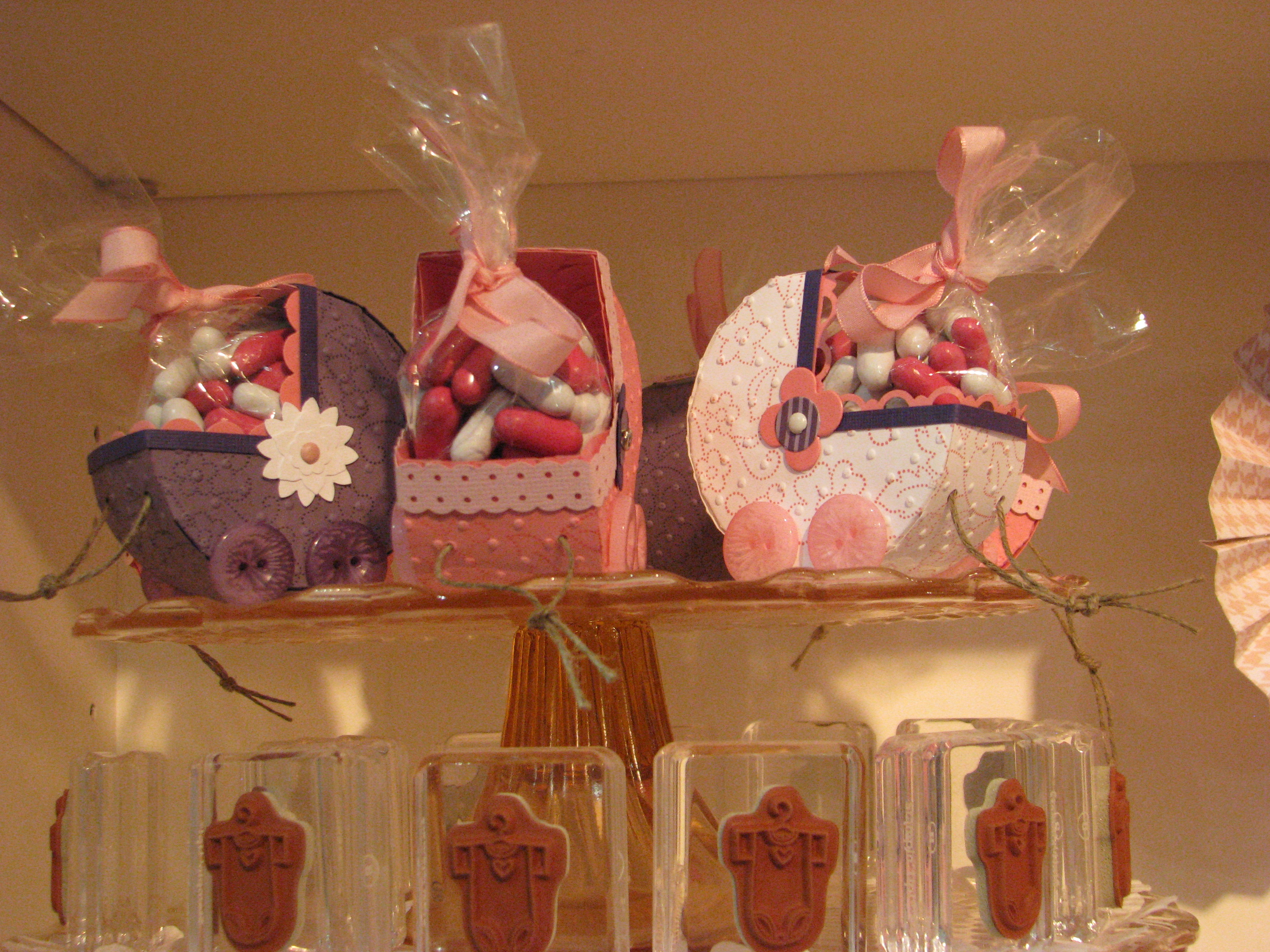
Papercrafted Baby Carriages
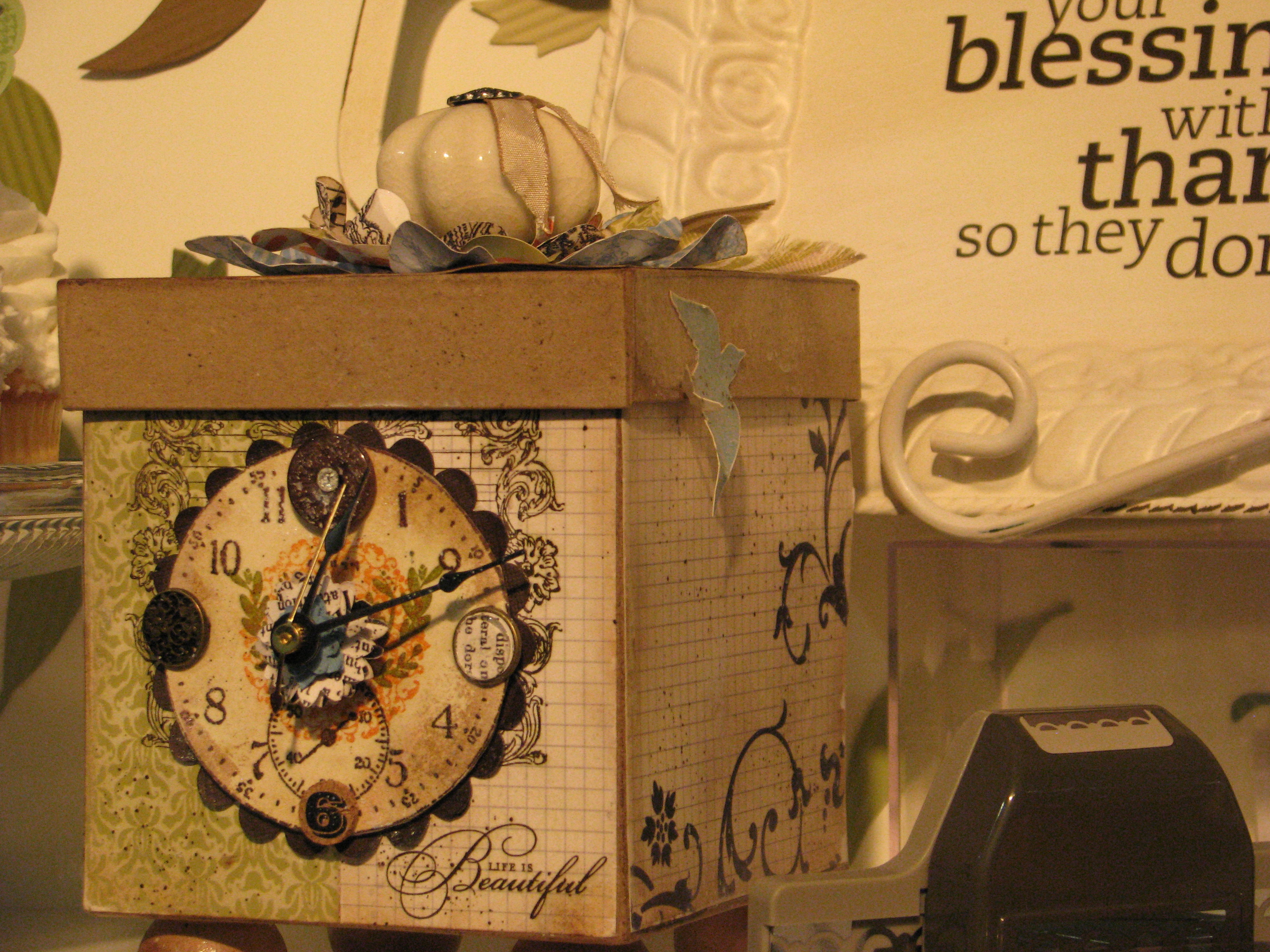
Stampin' Up! Box Clock
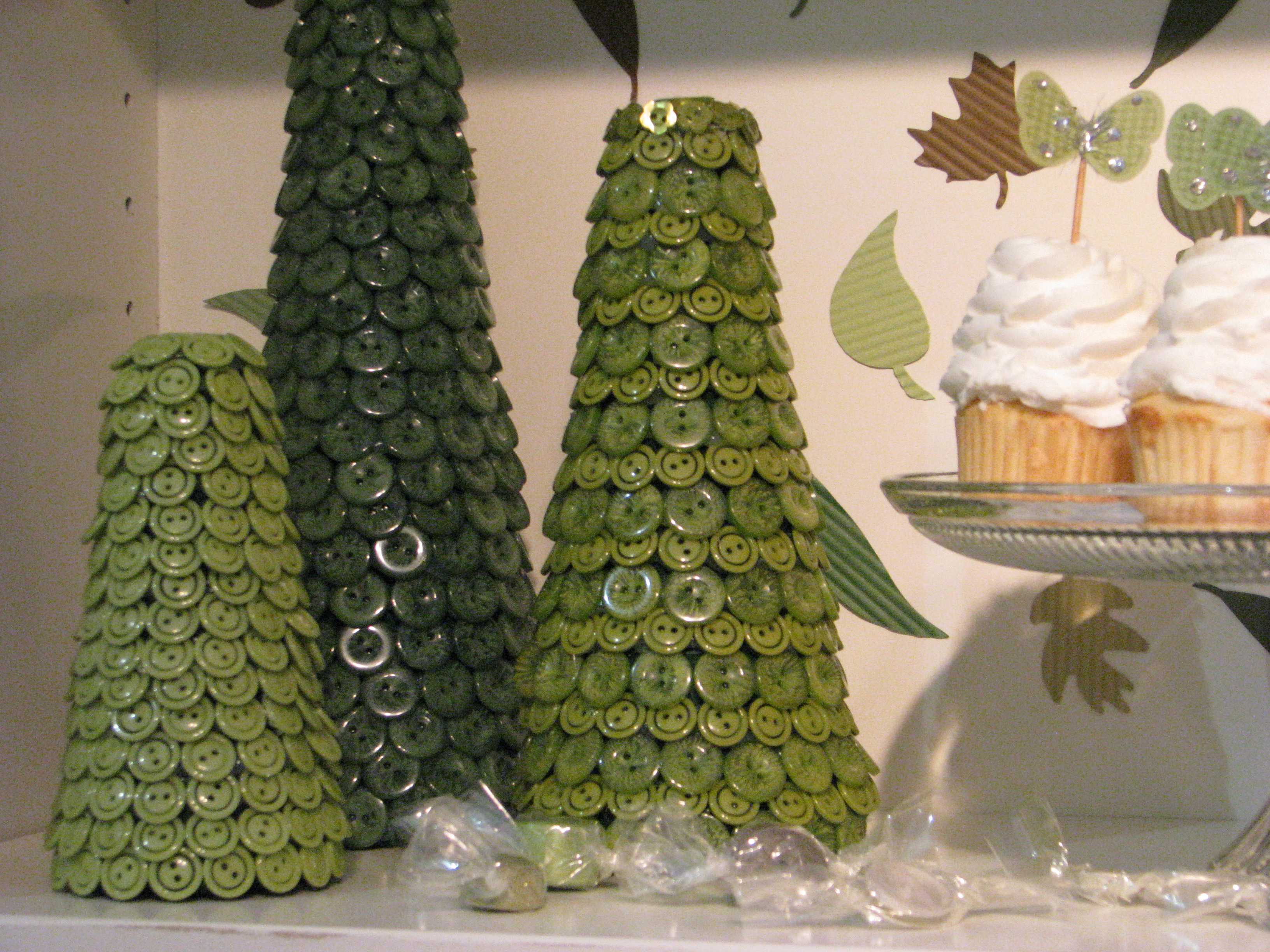
Stampin' Up! Button Trees
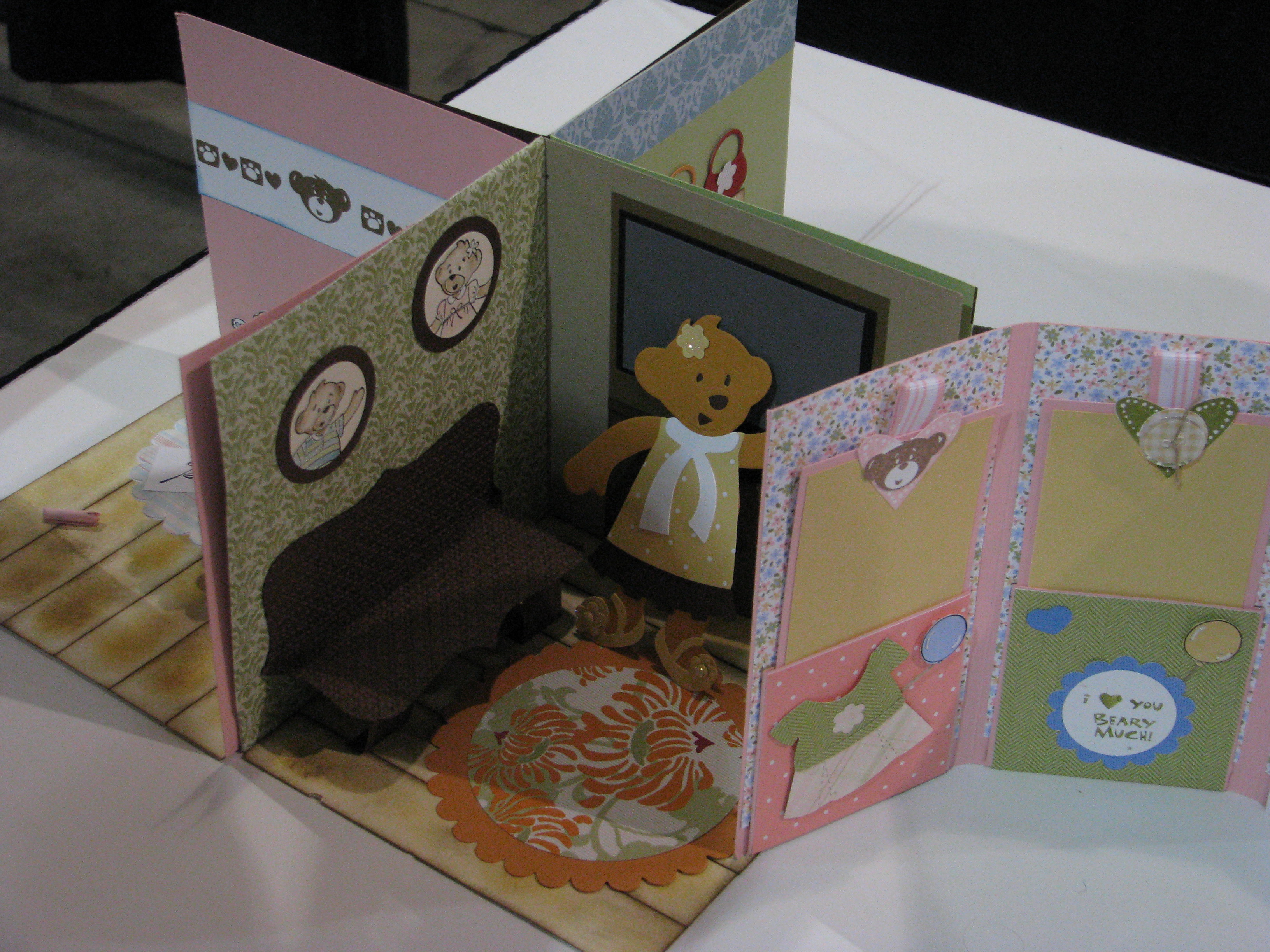
Build-a-Bear House
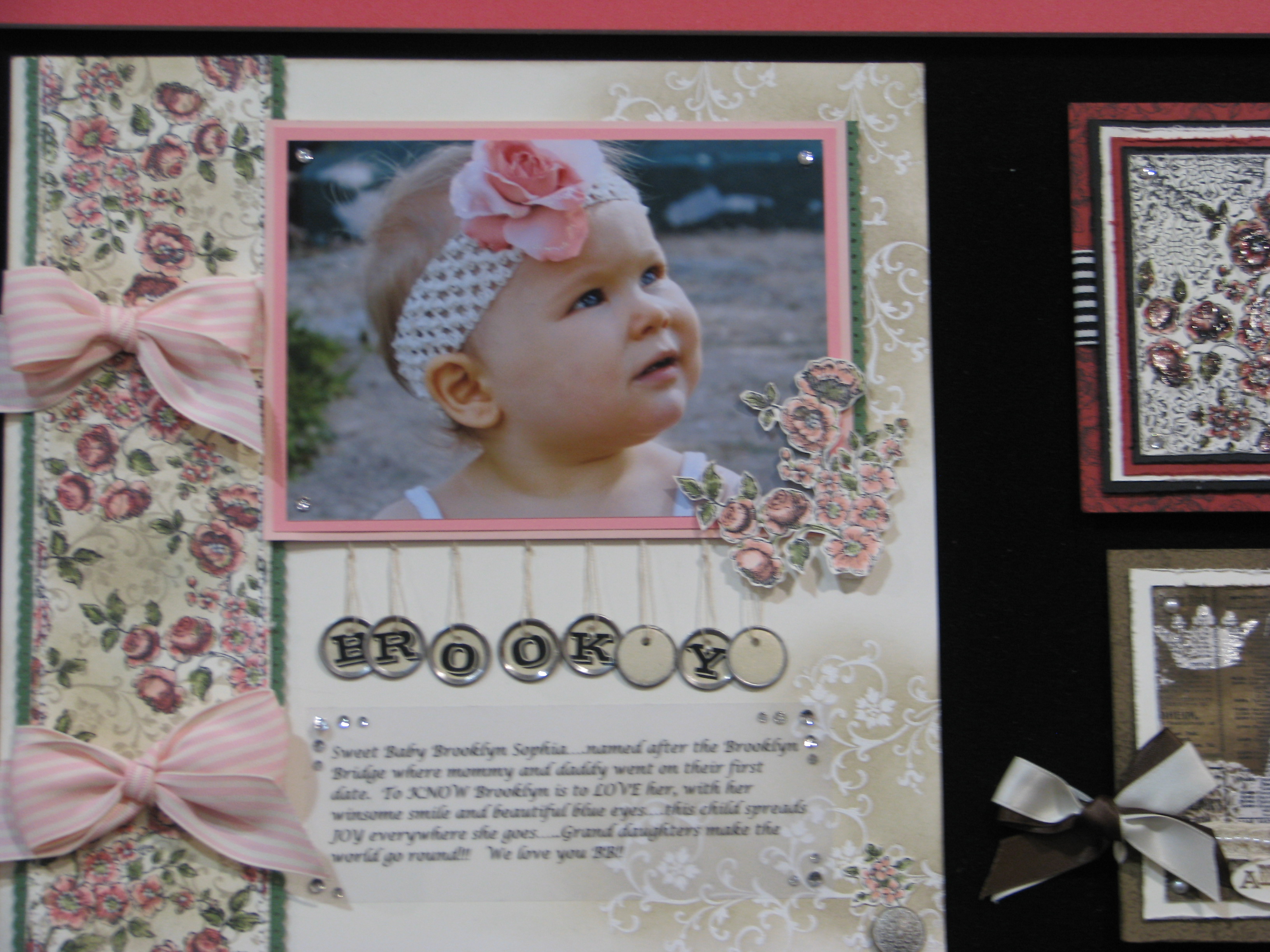
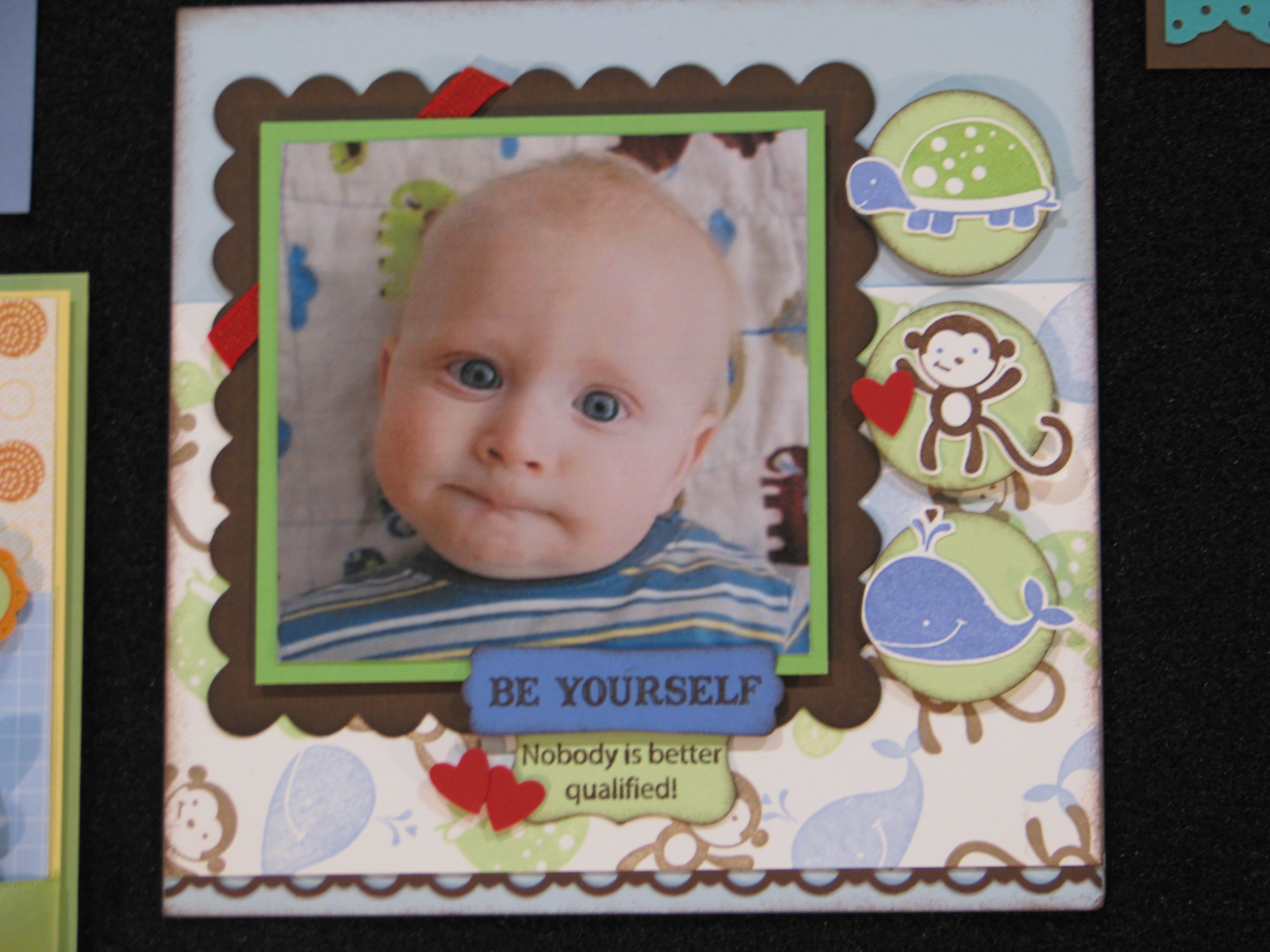
      Elements of Style Baby Vintage Scrapbook Page
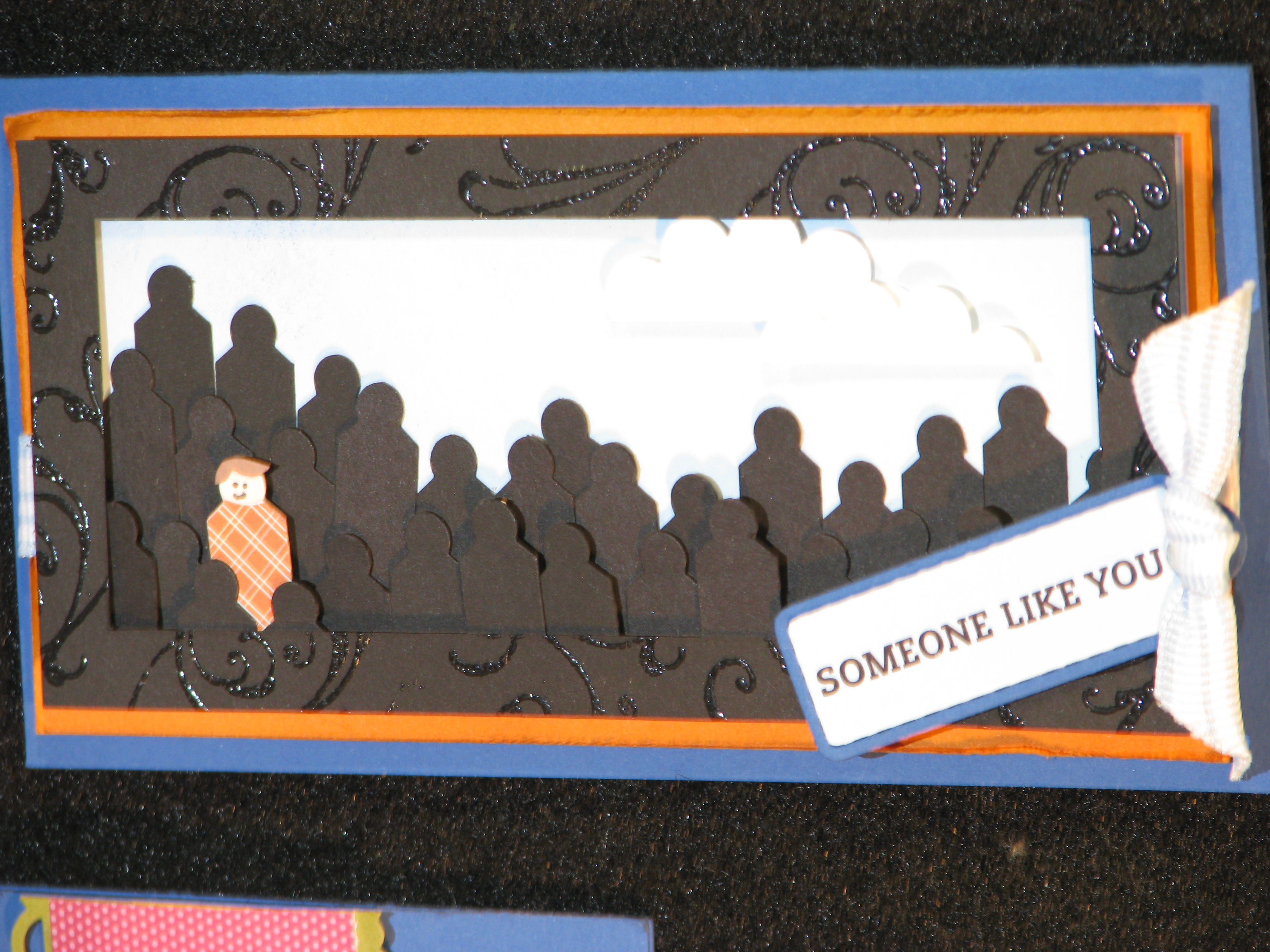
Use the Jewelry Tag Punch to make people!
Fox & Friends Baby Scrapbook Page
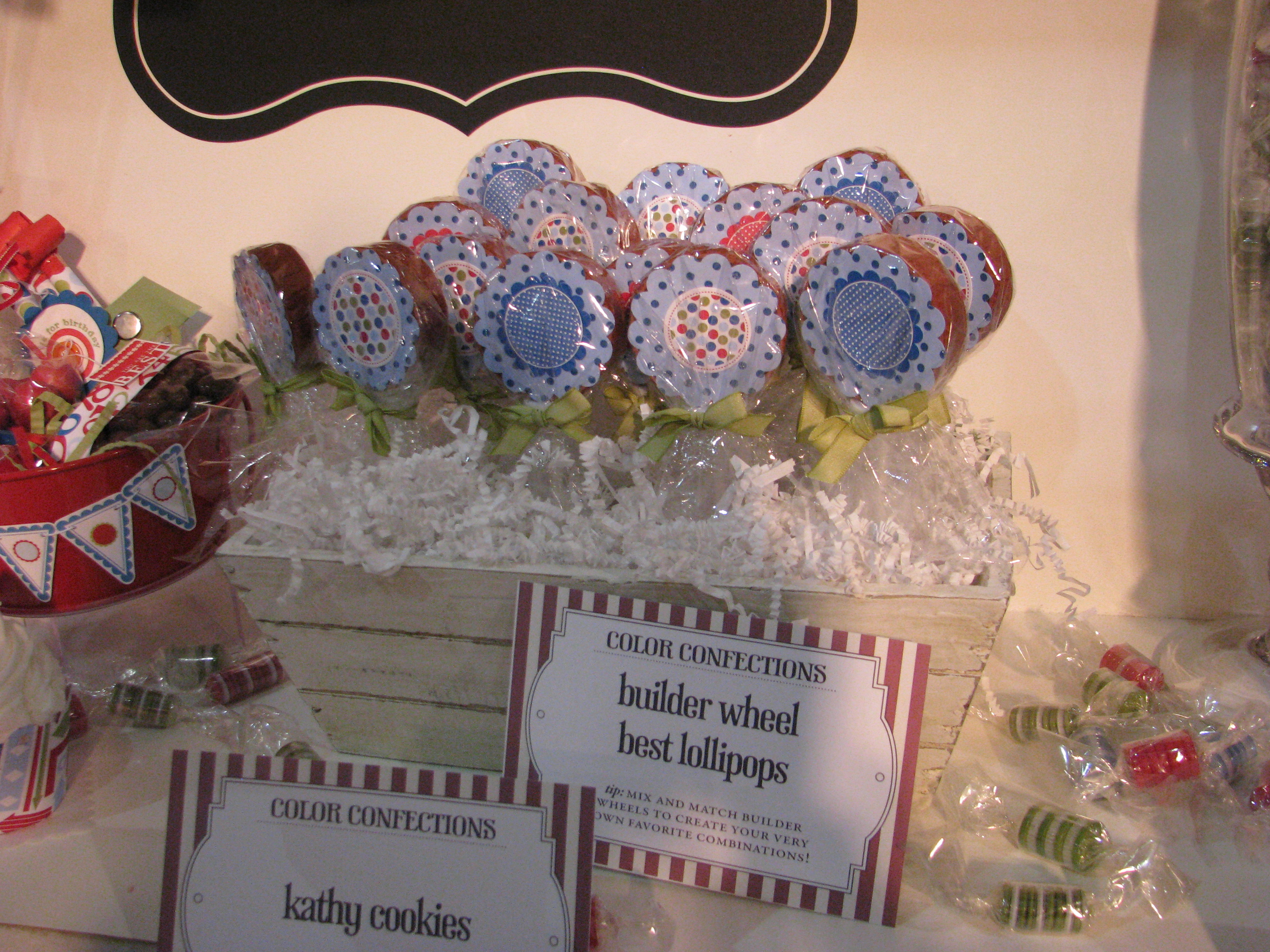
Builder Wheel Lollipops
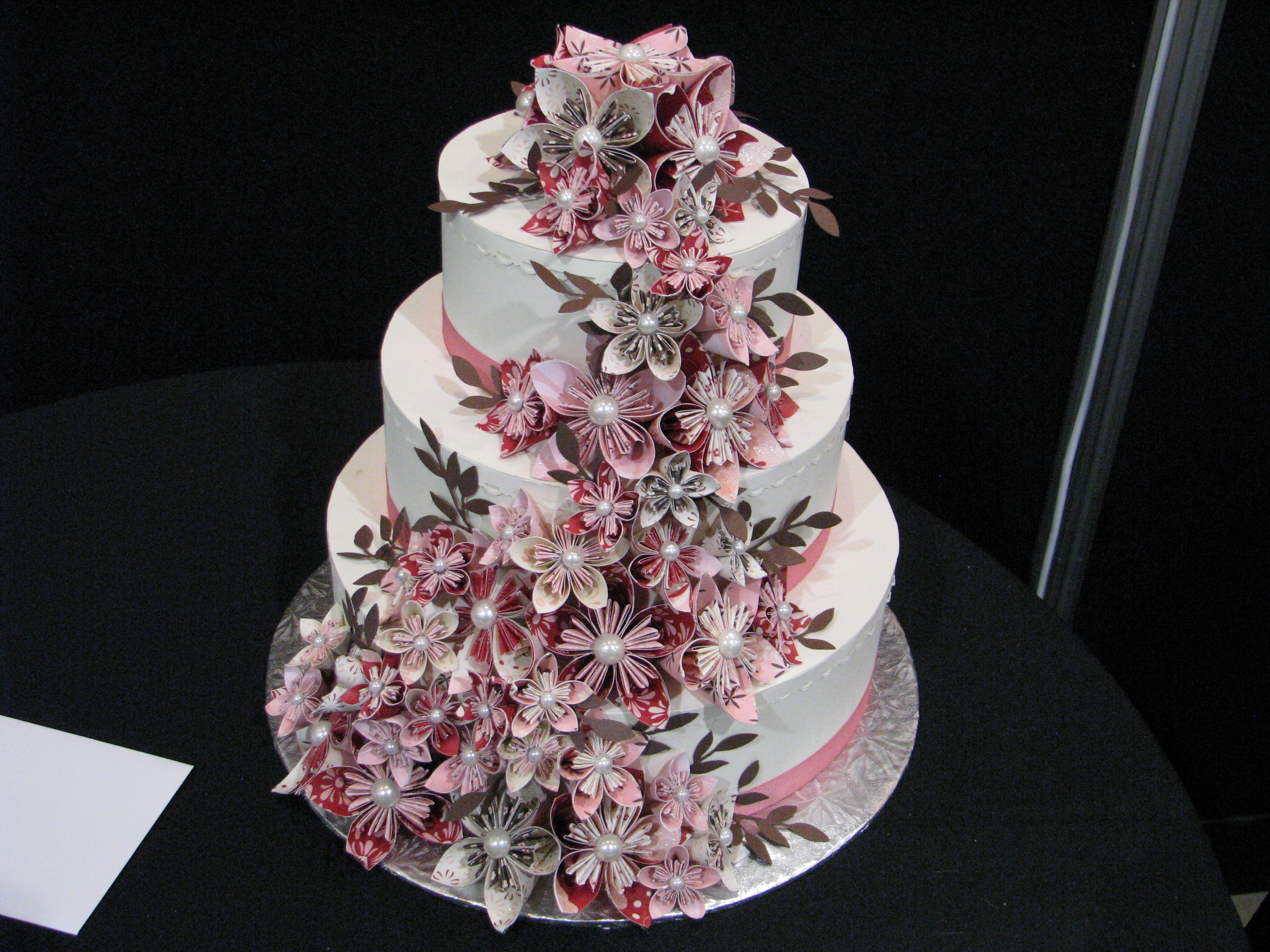
Paper Wedding Cake
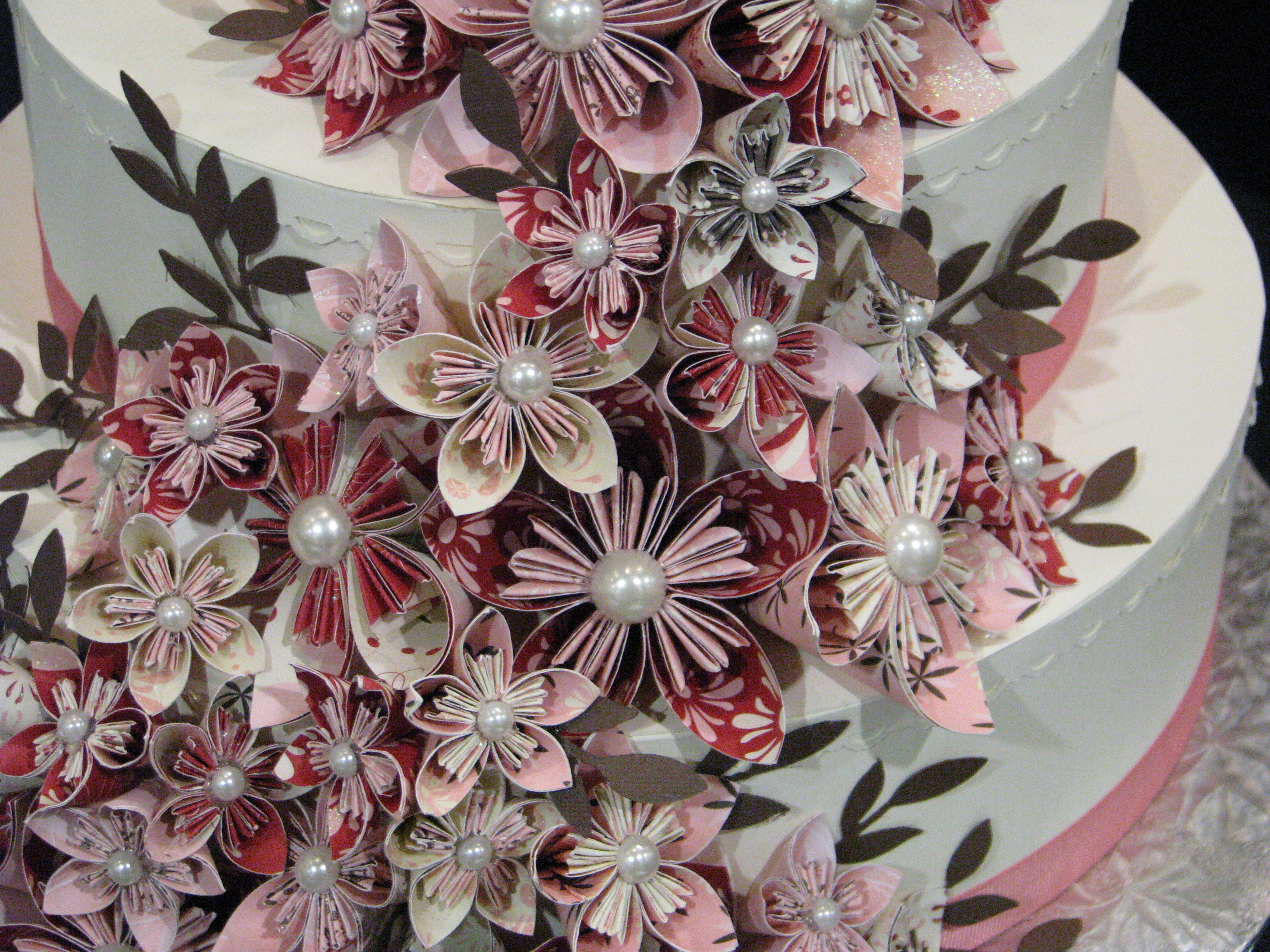
Paper Wedding Cake Flowers
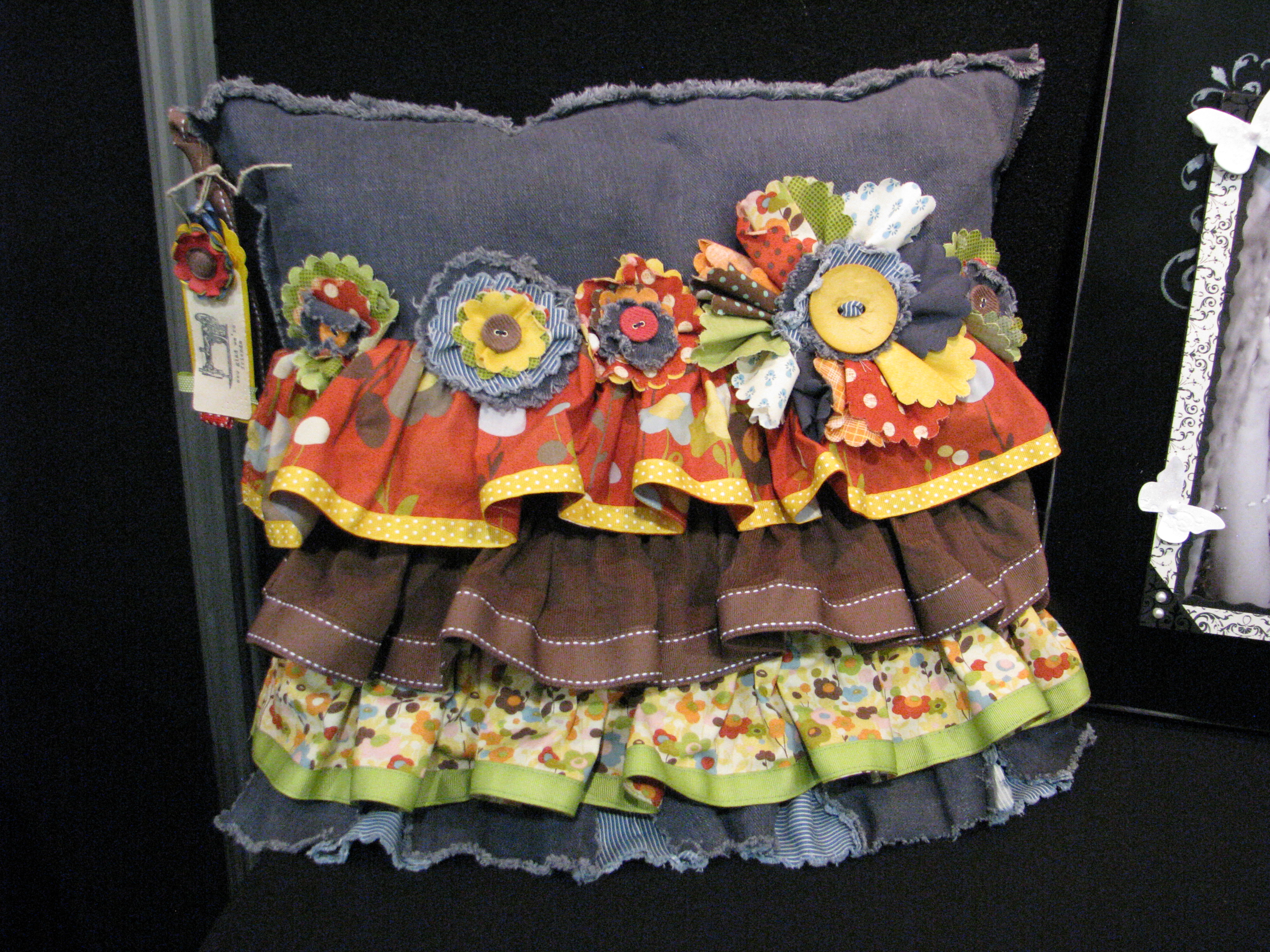
Pillow with Die Cuts and Ribbon
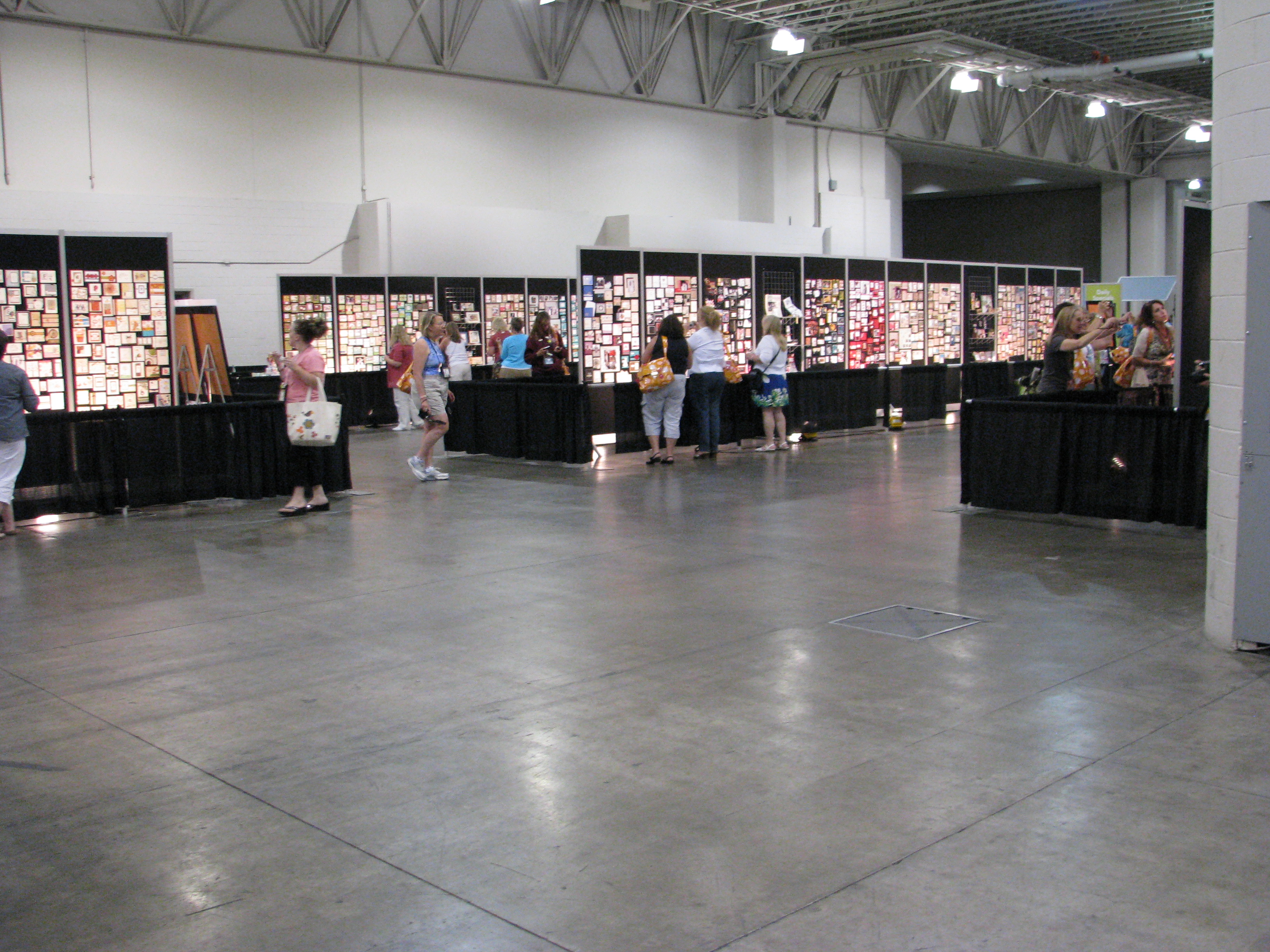
Stampin' Up! Convention Display Area

Whew!  That's not nearly all there is to show but I guess that is enough for now!  You should be able to click on any photo to enlarge.  Isn't it amazing the things you can make with Stampin' Up! products??!  And the creative talent of Stampin' Up! artists and demonstrators??!  The display area you see above is just one small part of what they had for us….and this was late afternoon when it was easy to get close to the display boards to get good photos…usually demonstrators were clustered around in crowds trying to get their shots at busy times, like lunch!  I've always said it is the ideas that I love the most, even if I never got to stamp!  

Want to be a part of all this??!  You wouldn't be disappointed!  Look into joining Stampin' Up! as a demonstrator!  I'd be happy to talk to you about it! It's a fantastic way to start your own business and have fun at the same time!

Get Good Fireworks Photos for Your Scrapbooking!

IMG_9214 

I just love watching fireworks on July 4th or any time any place, and I'm sure lots of you do too!  I've tried to take photos of fireworks many times, and usually they don't turn out very well. But with my current camera (still a point and shoot) I'm getting closer to getting some good shots of the fireworks. Today, in my email from Photojojo.com, I was directed to some tips for taking good fireworks photos.  They have eleven great tips here. They strongly recommend using a tripod (as in "Bring a tripod, bring a tripod, bring a tripod.") and finding a good location early where you can look straight at the fireworks, not just up.    Some cameras even have a fireworks mode to shoot with (I'll have to check mine!). But you can read the camera-setting details for yourself.

A couple other suggestions I liked were:

  • Being near a body of water is good for the reflection of the fireworks (we usually are by a small lake in a park for our fireworks viewing!).
  • Include some buildings or landmarks which often add to the composition of the photo.
  • Turn your flash off!
  • Turn your camera for a portrait-oriented shot for a rocket's rise and explosion, but to capture multiple explosions, shoot in landscape.
  • Don't forget the best comes at the end…the Grand Finale….so save some space on your memory card for that!

And my own tip……don't forget to take some pictures of the people you are with, not just the fireworks!

And when you are ready to scrapbook those photos, a quick and easy way to do it is with My Digital Studio from Stampin' Up!  You can make an album to print out or a few pages, or a multi-media presentation to share with your friends and family.  Contact me to find out how to order or go to my Online Store.


Photography Tips for Summer Sun

Since we'll be taking lots of photos in the sun this summer, here are a few tips I read from Darren Rowse of Digital Photography School that might help get you some good pictures!

  • Use your flash, even in the sunlight.  It might help eliminate shadows on your subject's face or it might darken the background and make your subject stand out more.
  • Try shooting your subject in the shade….at least a little bit of shade, not in dark shade.  Try for even light, not that falling through the leaves producing all kinds of spots and shadows.  Sometimes just holding an umbrella over the subject (not getting it in the shot of course) may help.
  • Use a reflector, something with a white or light surface to give the subject extra light.  This might be as simple as a white t-shirt or stand near a white wall.

Just experiment and see what produces good results for you!  Then when you are ready to scrapbook those photos, Stampin' Up! has all the supplies and creative ideas you will need.  I'm always available to answer your questions about your projects!  Check out the Stampin' Up! online store here .

Vacation Photography Tips at a National Park

Since summer vacations will soon be starting, I thought I would post some tips for getting good photos that you may want to scrapbook after you get home (or while you're traveling if you have a laptop and My Digital Studio!). I found these tips from Kodak. (Click on the photos to enlarge.)

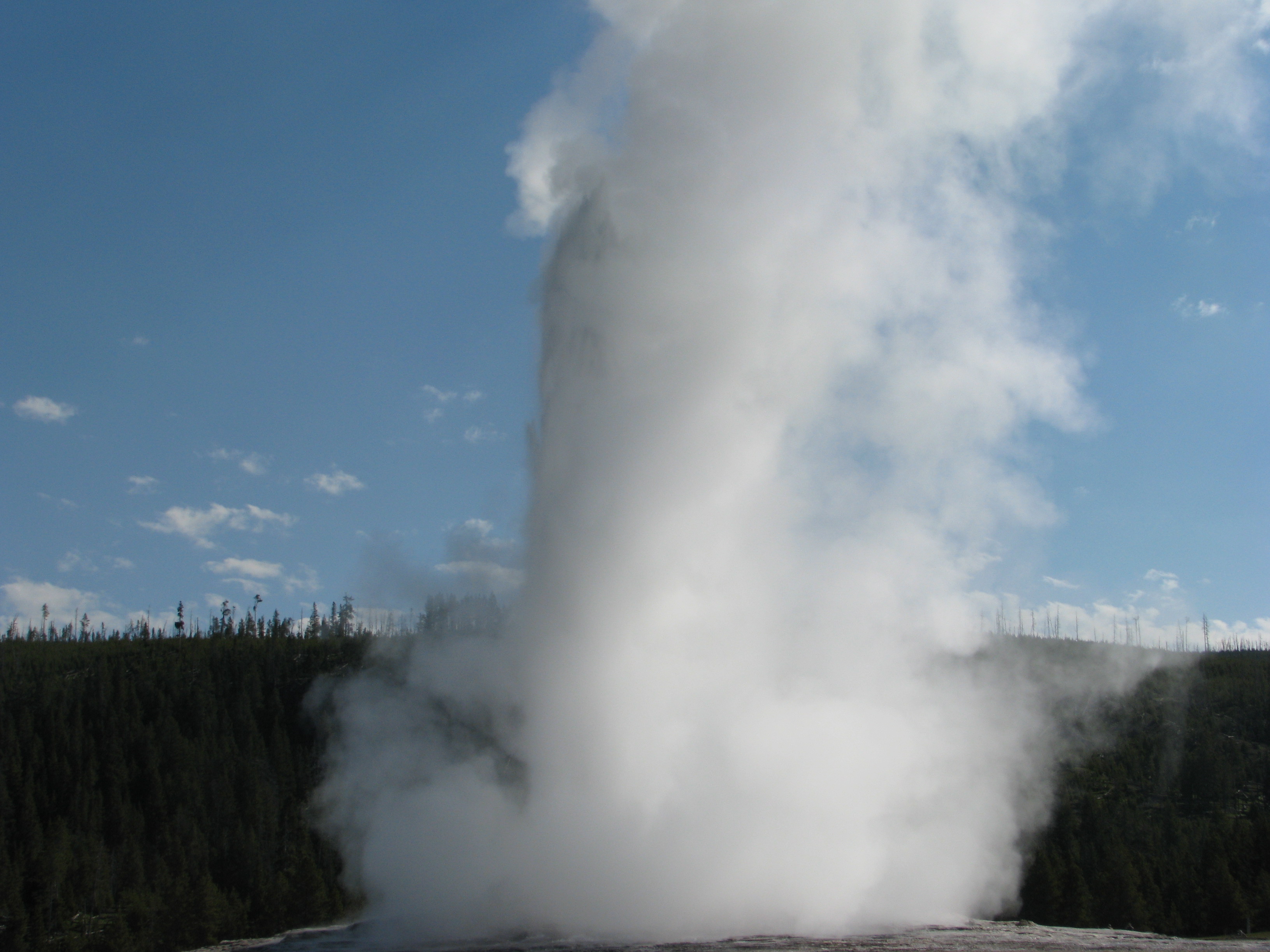
  • Capture the landmarks.  Yes, everyone will be photographing the same sites, but after all, that is what you came to see.  Take a picture of it.  Take several.  When I went to find a photo for this article, I realized I didn't have quite the perfect picture of Old Faithful erupting even though I had taken lots of photos plus video. 

Old Faithful Geyser erupting 


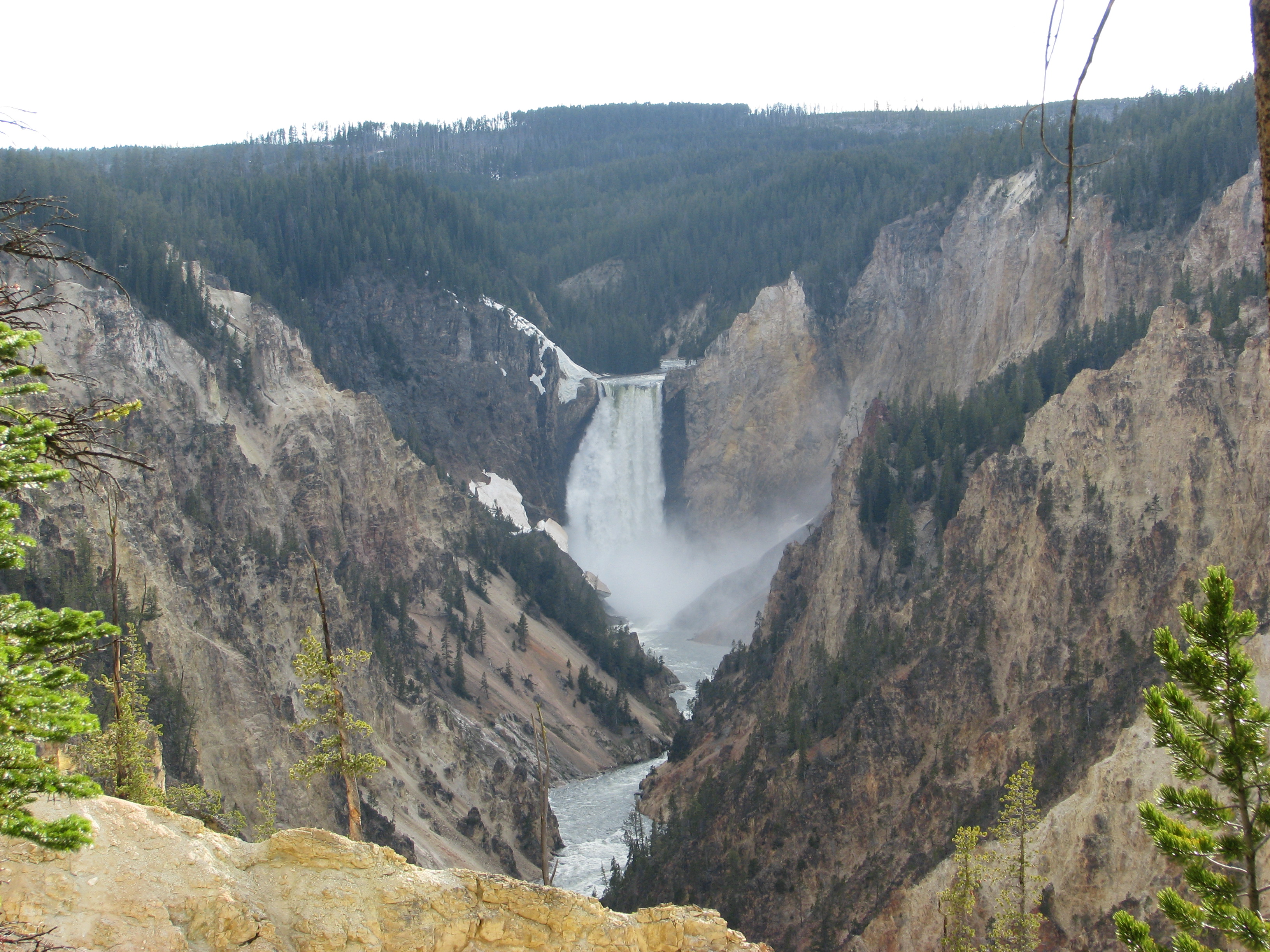
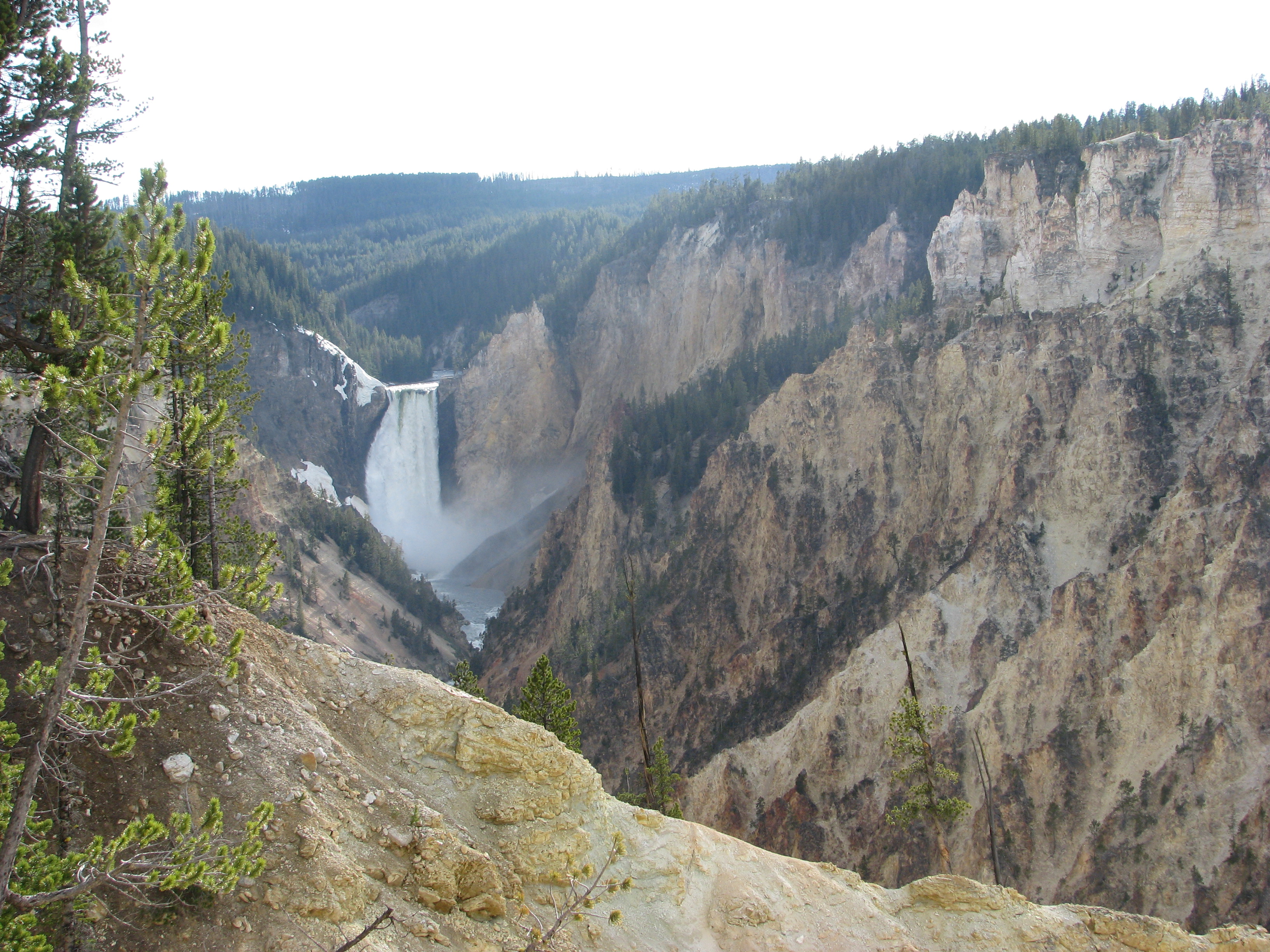
  • Place the point of interest off center.   Here is the Grand Canyon of Yellowstone, one of the biggest photo attractions in the park.

The Grand Canyon of Yellowstone National Park 

Here I have the waterfall in the center of my photo.

The Grand Canyon of Yellowstone
Here it is off center.  Makes it a little more interesting.

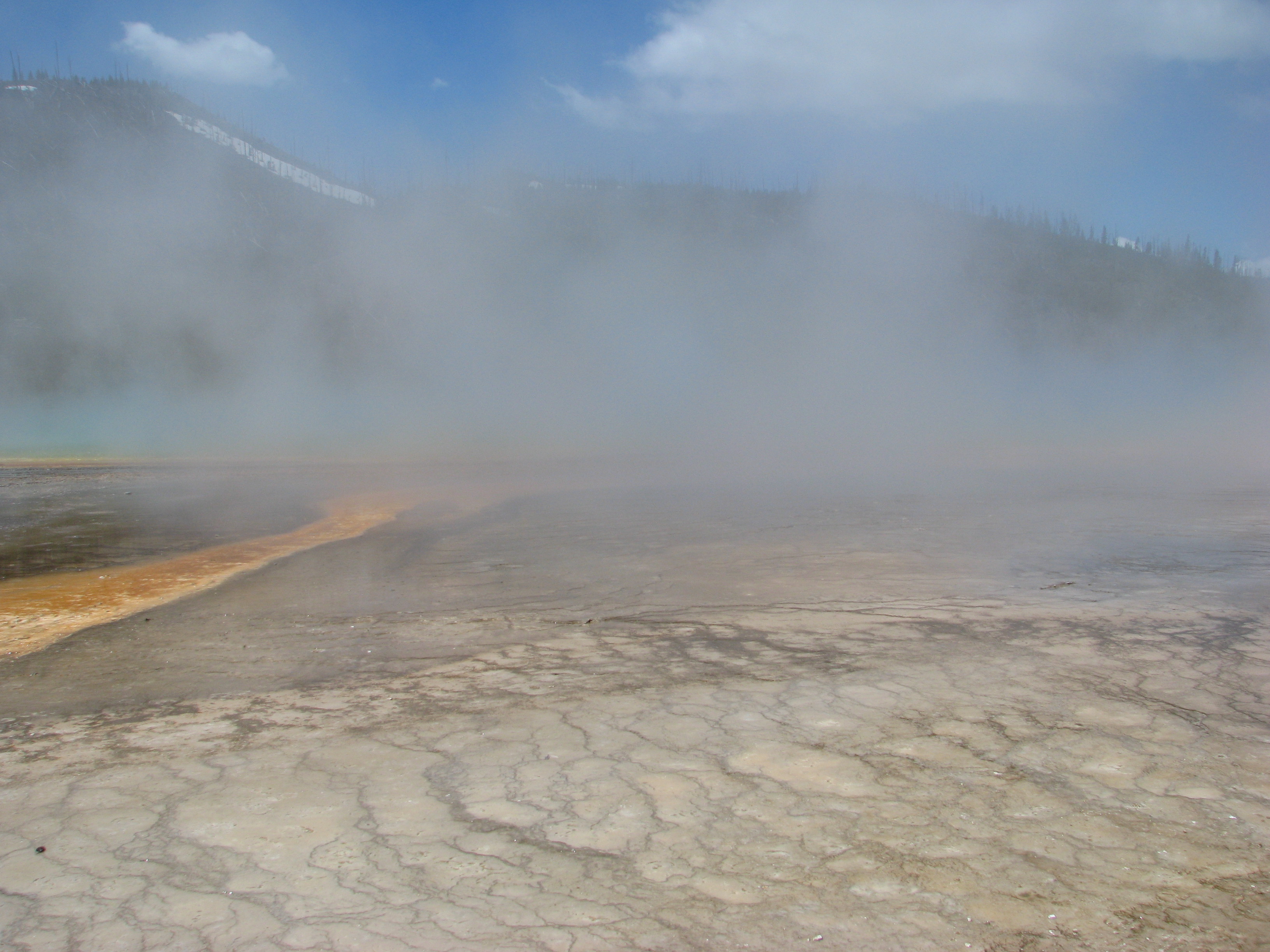
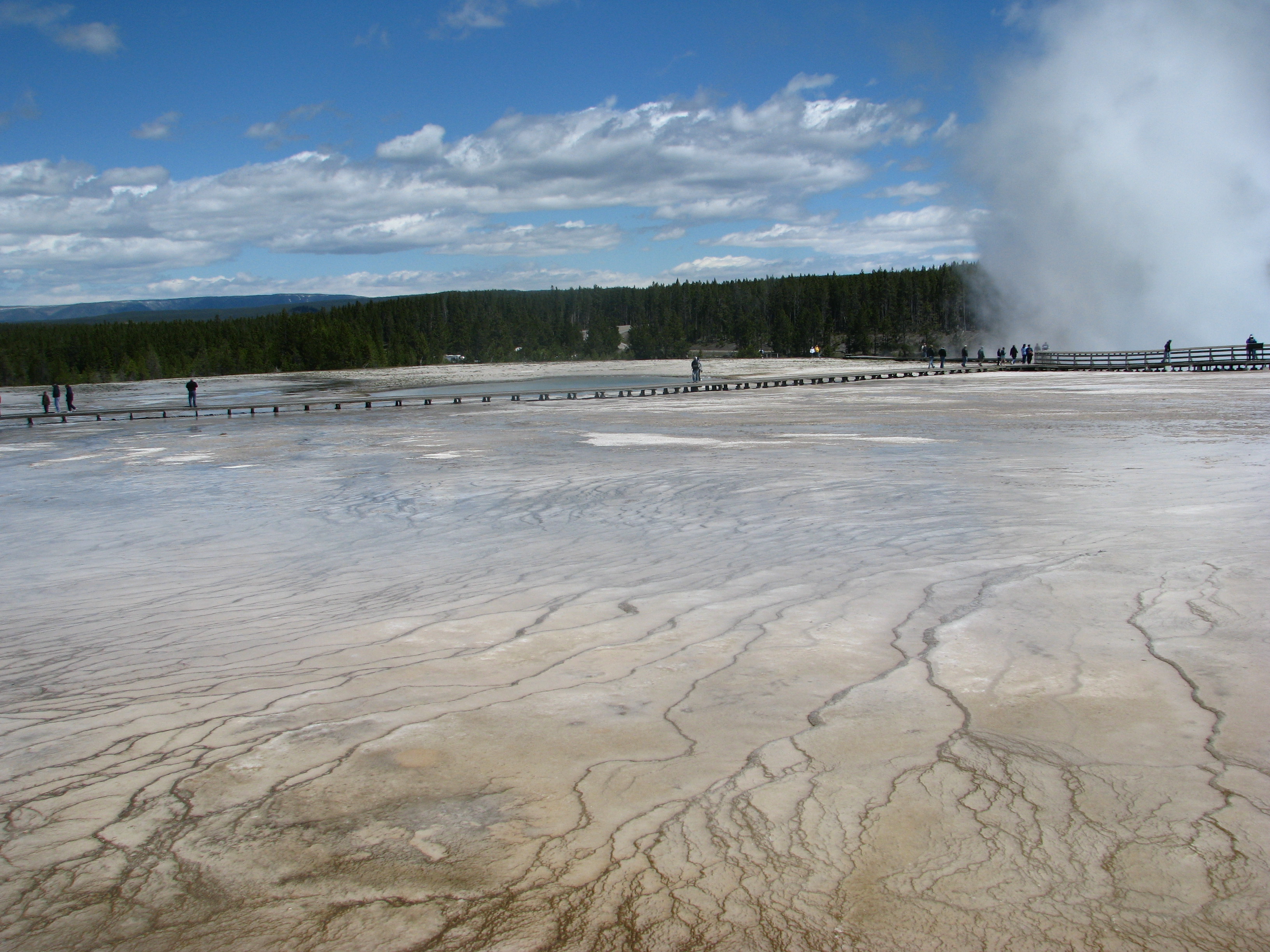
  • Include people for scale.  Often you can't get an idea of size or area, but if you include people in the photo it might illustrate the sheer size better.

Grand Prismatic Spring, Yellowstone Natl Park 

Here we are at Grand Prismatic Spring, but you can't get an idea if it is large or small.

Grand Prismatic Spring 

But here where you can look across the landscape and see the people on the walkway you get a better idea of how large an area it really is.

**********

Some of our best vacations have been to the national parks….Yosemite, Zion, Bryce, and most recently Yellowstone.  If you haven't been to a national park, please go because they are spectacular.  If you want to find lodging inside the park (a plus!) keep trying even on short notice because there are often cancellations and you just might snag accommodations shorter than a year in advance!

Flip Album for a Graduation Gift

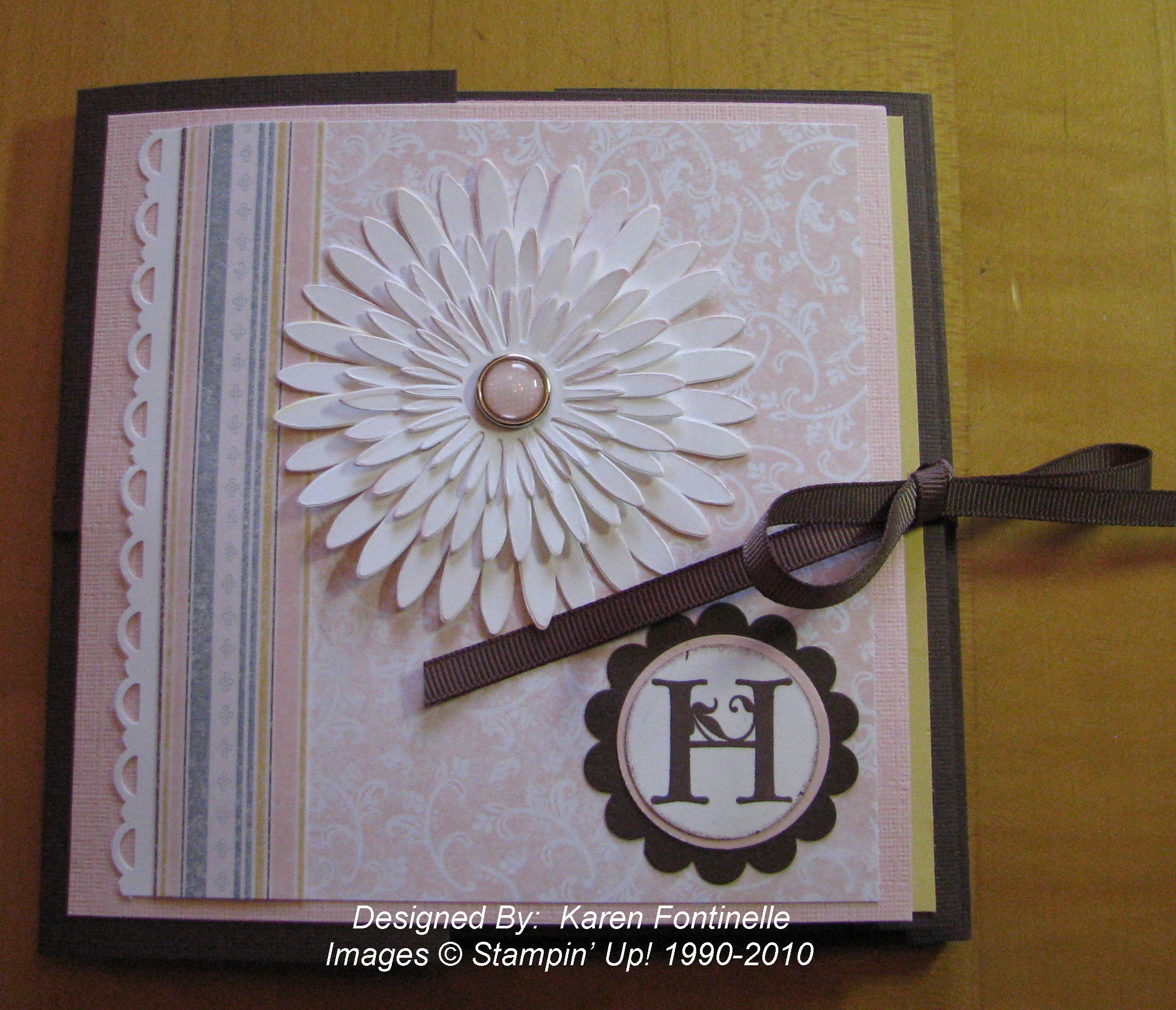
I have just LOVED these flip albums ever since I saw my first one!  I've made several for gifts and this one was for a graduation gift.  I left it rather generic so she could use it any way she wanted to, whether for graduation pictures or college or family or friends or anything.  The first one I ever made I thought was incredibly complicated, but they really are pretty simple and this one went together easily.  I won't go into detail on how I made it because there are a lot of directions out there, but if you have questions, leave a comment or email me.  I did use retired Designer Series Paper, Bella Birds but I think everything else is current…..at least for June!!

Flip Album Cover with Daisies #2 Die 

Flip Album inside pages
Flip Album center pages 

Flip Album inside cover 

Flip Album pages using Manhattan Flower Embossing Folder
Flip Album using Scallop Envelope Big Shot Die
Flip Album Bella Birds DSP and Scallop Trim Corner Punch


When you make one of these albums, you can hardly stop yourself from flipping all the pages back and forth!  The Big Shot and our Stampin' Up! punches really help to make interesting elements in the album.   


Click:  Be sure to check the retiring lists of stamps, accessories and Decor Elements before they are gone June 30th….or sooner!


National Scrapbooking Month Special—Ends May 31, 2010

Is it really the end of May already??!  What a fast month and so much going on for so many people with graduations, end of the school year, etc.  I just wanted to send one more reminder of the Stampin' Up! promotion going on today and tomorrow:

Take your scrapbooking to a whole new level with Stampin’ Up!

During National Scrapbooking Month, get a FREE package of Designer brads with the purchase of My Digital Studio (item 118108) or any of the following stamp sets:

Page

Description

Wood-
Mount
Item
Wood-
Mount

Price
Clear-
Mount
Item
Clear-
Mount
Price
81 Extreme Elements 115181 $26.95
119 Framed with Love** 114389 $27.95
128 Certified** 113706 $27.95
129 Circle Circus 115778 $28.95
12* Elements of Style 118611 $27.95 120045 $19.95
13* Momentos 119910 $27.95 120105 $19.95
13* Éléments de style 119900 $27.95 120099 $19.95
14* Rough Type 118659 $26.95 120072 $18.95
22* Sentimental Journey 118513 $23.95 120075 $17.95
25* First Day 118521 $23.95 120051 $17.95
25* Camino a la Escuela 120152 $23.95 120154 $17.95

*From the Summer Mini Catalog
**A Last Chance stamp set!

Choose from the following Designer brads with qualifying purchase:

Page

Description

Item
179

Flower Designer brads

112579
179

Filigree Designer brads

112577
179

Circle Designer brads

112571
179

Star Designer brads

112572

View the flyer for more information and some great scrapbooking ideas. 

Notice that the sets with the double asterisk are sets that are going on the retirement list on June 1st.

If you want to purchase any of these sets just go to my Online Store and watch the video if you'd like or click on the "Shop Now" button and go straight to the store.  You can set up your Customer Account and you're ready to go!  Or email me your order and I'll take care of it for you.  Once your merchandise is entered, you can choose your free brads for each stamp set on the list!

Don't forget, this offer ends tomorrow!!

Going, Going…….Better get them while you can!

Don't forget with the new Color Renovation by Stampin' Up! a lot of favorite colors are retiring….and not only the card stock but the refills, the markers, ribbons, buttons, etc.  Be sure you get what you want because when they are gone, they are gone!  Already a lot of things are either not available or on backorder.  Stampin' Up! will substitute textured card stock for the smooth when it is no longer available for as long as possible.


These are the retiring colors:

Stampin' Up! Retiring Colors 


The following items are no longer available to order. Our inventory has been depleted, and we are unable to order more.

101563: Sage Shadow card stock (8-1/2" x 11")
102837: Only Orange card stock (8-1/2" x 11")
107079: Sage Shadow card stock (12" x 12")
107101: Close to Cocoa card stock (12" x 12")
119833: Old Olive Polka-Dot 6" x 6" Designer printed album (in the new Summer Mini Catalog)


Availability can change at any time, of course!  You can place your order with me or Shop Online HERE.  Also, don't forget the May National Scrapbooking Month Promotion….great stamp sets and FREE Designer Brads….or purchase the My Digital Studio software!

Island Oasis Tin Album

In my "stash" I've had these tins I purchased from Stampin' Up! awhile back and finally I got one out and made something with it.  I decided to work with the new Island Oasis Designer Series Paper (#117173) in the Summer Mini, and I had SO much fun with it!  I'm going to order another pack of this paper on my next order!

Island Oasis DSP Tin Album
Island Oasis DSP Accordion Fold Album
Island Oasis DSP Accordion Album

Now I can always go back and do more embellishing on my pages, but for now I wanted it rather generic.  You could add more pages but the tin is pretty skinny so it had to stay fairly small.  And after struggling to get exactly the right shape to have the card stock fit the entire front of the album, I opted for just a strip across the middle!  Much easier!  The paper flower is made with five punched flowers from the Extra Large Fancy Flower Punch #118073 (a carryover from the Occasions Mini so still available!) and one card stock flower on the bottom, all scrunched up individually and then assembled together with a brad and scrunched up once more toward the center.  Really fun!  

If you are interested in this tropical Island Oasis Designer Series Paper and any other great products for stamping and scrapbooking, please click HERE or the Online Shopping button in the upper right corner to go to my Stampin' Up! Online Store.